Burlington Security Camera Troubleshooting Service

A camera that worked perfectly last week can become a real concern when it suddenly shows a black screen, records nothing overnight, or will not load on your phone. A professional security camera troubleshooting service Burlington property owners can rely on should do more than restart equipment. It should identify why the problem occurred, correct it properly, and help prevent the same issue from disrupting your home or business again.
For homeowners, that may mean restoring reliable viewing at the front door, driveway, or backyard. For a small business, it can mean getting critical coverage back at an entrance, cash area, stock room, or parking lot. The right repair depends on the system, the property, and whether the underlying issue involves the camera, cabling, recorder, power source, Wi-Fi, or network settings.
What a Security Camera Problem Can Look Like
Not every fault looks the same. Some cameras remain online but show poor video, while others disappear entirely from the app or recorder. Knowing what you are seeing helps narrow down the cause, but it does not always reveal the complete fix.
Common signs include:
A camera displays a black, frozen, distorted, or intermittent image.
Night vision is dim, overexposed, or stops switching on after dark.
Recorded footage is missing, skips time periods, or will not play back.
Remote viewing on a phone or computer no longer connects.
Motion alerts arrive late, too often, or not at all.
One camera is offline while the rest of the system still works.
A single offline camera may be a local power connection, damaged cable, water intrusion, or a failed unit. If every camera is inaccessible remotely, the issue is more likely related to internet service, router settings, the recorder, or the network. That distinction matters because replacing a camera will not fix a network problem, and resetting a router will not repair a damaged outdoor cable.
Common Causes Behind Camera Failures
Security cameras are part of a larger system. Even a wireless camera relies on stable power, a usable Wi-Fi signal, internet access for remote viewing, and properly configured software. Wired systems add cabling, network switches, power-over-Ethernet connections, and recorders to the picture.
Power and connection issues
Loose power adapters, tripped outlets, aging power supplies, and failed power-over-Ethernet ports can all take a camera offline. Outdoor connections are particularly vulnerable when they have not been properly protected from moisture and temperature changes.
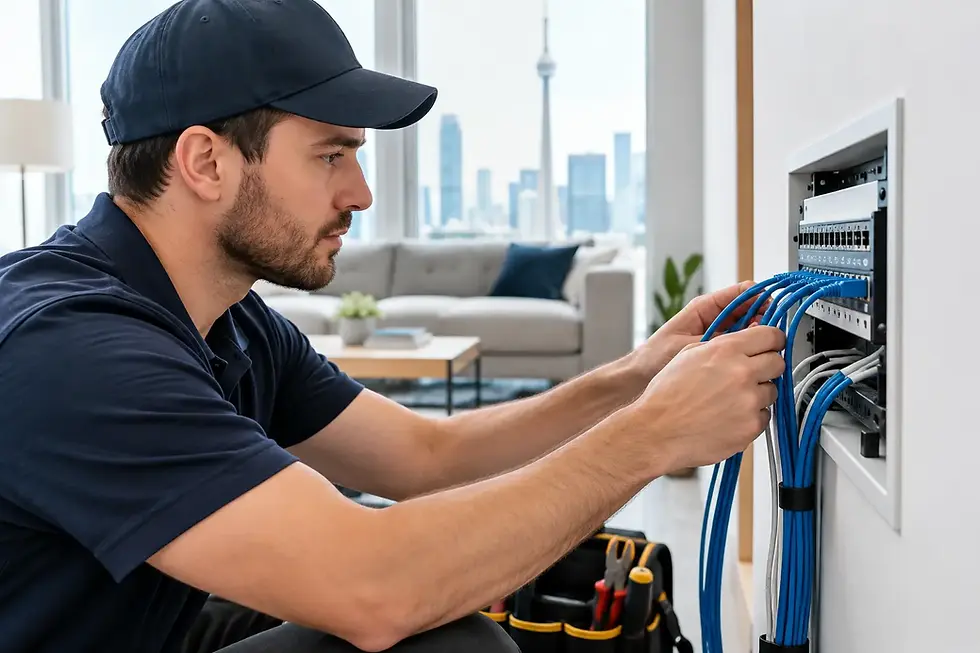
With wired systems, a cable can look fine from the outside but have damage inside the wall, ceiling, conduit, or exterior run. Rodents, construction work, pinched cable, and weather exposure can all cause intermittent faults that are difficult to diagnose without testing the line.
Wi-Fi and network changes
A new internet provider, replacement modem, updated router, or changed Wi-Fi password can interrupt remote viewing and disconnect wireless cameras. This is common after a homeowner upgrades internet service or a business replaces networking equipment without transferring the camera system settings.
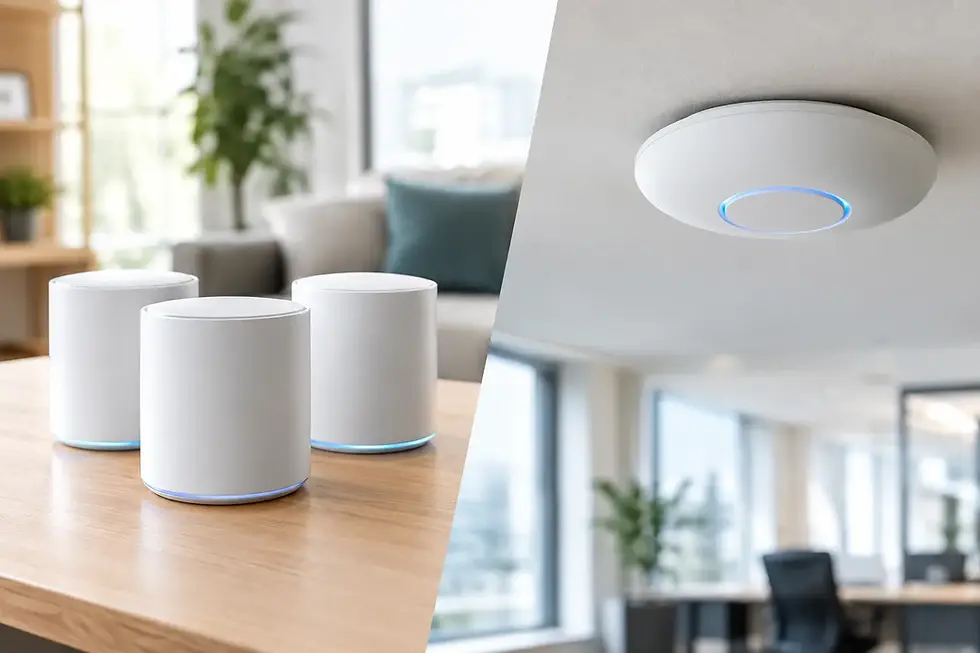
Wi-Fi coverage is another frequent issue. A camera mounted near the edge of a property may have connected when installed, yet become unreliable as interference changes, a router is moved, or more devices are added to the network. A signal booster may help in some cases, but it is not a universal answer. For important camera locations, a wired connection is often more dependable than extending weak wireless coverage.
Recorder, storage, and software faults
If live video works but recordings are missing, the recorder or its storage drive may be the problem. Drives have a limited working life, especially in systems recording around the clock. Incorrect recording schedules, full storage, corrupted settings, or outdated firmware can also affect playback and alerts.
A factory reset can sometimes restore a device, but it should be a last step rather than the first one. Resetting equipment may erase carefully configured camera names, recording rules, remote access, and other settings. A proper diagnosis protects the work that is already correct.
Environmental and installation concerns
Burlington weather puts outdoor camera equipment through rain, snow, heat, wind, and freeze-thaw cycles. Water inside a connection, fogging in a camera housing, glare from nearby lighting, and branches that have grown into the camera's view can all compromise useful footage.
Installation details matter. A camera aimed toward a bright porch light may produce poor night images. One installed too high may capture the top of a hat rather than a face. A camera that is technically operational but poorly positioned is still not doing its job.
What a Professional Troubleshooting Visit Should Include
A worthwhile Burlington security camera troubleshooting service begins with listening to what has changed and when the issue started. Did the problem appear after a storm, a network change, a renovation, or an app update? Is it affecting one camera or the entire system? These details guide efficient testing.
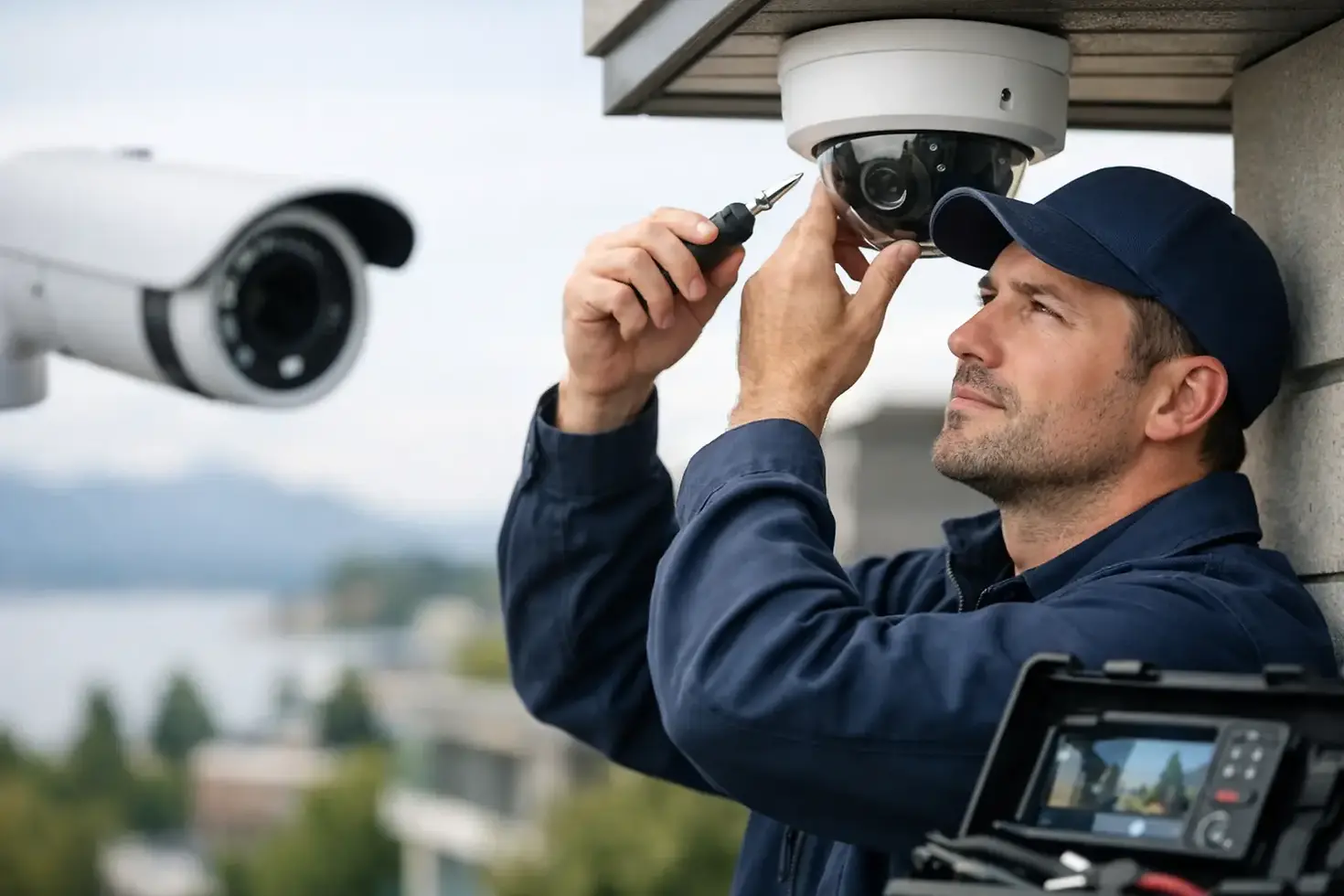
The technician should then check the complete path from camera to viewing device. That can include power, physical connections, cable condition, network communication, camera settings, recorder health, storage status, mobile app access, and image quality in the actual lighting conditions at the property.
The goal is not simply to get an image back on screen for a few minutes. It is to confirm that the camera is recording when required, that footage can be retrieved, and that remote viewing works for the people who need it. For businesses, this may also include checking user access so employees only see the cameras appropriate to their role.
TechWise approaches troubleshooting as part of the full technology environment. A camera issue may be related to the system itself, but it can also connect to Wi-Fi coverage, network security, internet equipment, or an aging recorder. Addressing those related issues in one visit can save time and avoid the frustration of calling separate providers.
When Repair Makes Sense and When to Upgrade
Not every problem requires a new camera system. A loose connection, failed power supply, storage drive replacement, settings correction, or network reconfiguration can often restore a good system at a sensible cost.
An upgrade becomes more practical when cameras are very old, image quality no longer provides usable detail, replacement parts are unavailable, or the system cannot support current needs such as mobile viewing, wider coverage, clear night vision, or higher-resolution recording. Older analogue systems may still be repairable, but investing further in them is not always the best long-term choice.
A partial upgrade can also be the right answer. For example, a homeowner may keep existing cameras that still perform well while adding a 4K camera at the driveway. A business may replace its recorder and hard drive while retaining compatible cameras. The best option depends on compatibility, condition, budget, and the areas that need better coverage.
Steps You Can Take Before Booking Service
Before arranging a visit, check whether the affected camera and recorder have power and whether your internet connection is working normally. If you recently changed your Wi-Fi name, password, router, or internet provider, make a note of it. Also note whether the problem affects live video, recorded footage, mobile access, alerts, or all of the above.
Avoid repeatedly unplugging equipment or using the factory reset button unless you have been instructed to do so. Those actions can make diagnosis harder and may remove settings needed to restore the system efficiently. If an outdoor camera or connection appears damaged, wet, or loose, leave it powered down until it can be inspected safely.
Keep Your System Dependable After the Repair
Once the immediate issue is resolved, a few practical habits can reduce future disruptions. Test remote viewing occasionally rather than waiting for an incident. Review camera angles after landscaping, renovations, or seasonal changes. Make sure exterior lenses are clean and free of spider webs, dirt, or snow buildup.
It is also wise to review recording retention and user access from time to time. A system may be working, yet only retaining a few days of footage because storage settings changed or capacity is too limited. Small businesses should also consider how cameras fit into their wider network and security plan, particularly when staff devices, guest Wi-Fi, and cloud services share the same connection.
When a camera stops doing the job it was installed to do, clear diagnosis is more useful than guesswork. A local technician can assess the issue on site, explain the practical options, and help you get back to dependable coverage where it matters most.