Residential Network Cabling Guide for GTA Homes

A weak Wi-Fi signal in the upstairs bedroom is often not a Wi-Fi problem. It may be the result of placing all the equipment in one corner of the home and asking wireless devices to work through concrete, ductwork, insulation, and multiple walls. This residential network cabling guide explains how wired connections create a more dependable foundation for Wi-Fi, security cameras, smart-home devices, and home offices.
For homeowners in Burlington and across the GTA, network cabling is most effective when it is planned around how the property is actually used. A cable run to a ceiling access point can improve coverage throughout the house. A connection at the front door can support a reliable video doorbell or camera. Wiring a home office can prevent dropped calls and slow uploads when the rest of the family is online.
Start With the Jobs Your Network Needs to Do
The right cabling plan is not simply a matter of putting an Ethernet jack in every room. Begin by identifying the devices and areas that need consistent performance now, then allow room for reasonable future additions.
A typical home may need wired connections for the internet modem and router, Wi-Fi access points, desktop computers, televisions, gaming systems, security cameras, a network video recorder, and a home office. Larger properties may also benefit from cabling to a detached garage, basement suite, workshop, or outdoor access point.
Security cameras deserve particular attention. Wireless cameras can be convenient in limited situations, but wired cameras are generally more dependable for permanent coverage. They avoid competing with phones, TVs, and other devices for Wi-Fi capacity. With Power over Ethernet, often called PoE, one properly installed cable can carry both the network connection and power to the camera.
Think about where people experience problems today. Is video buffering in the family room? Does Wi-Fi fade on the second floor? Does a work laptop lose connection in the basement office? These are useful clues when choosing cable locations. A property-specific plan is usually better than copying a generic layout from a new-build home.
Residential Network Cabling Guide: Choose the Right Cable
For most residential installations, Cat6 cable is a practical choice. It supports gigabit networking easily and provides good capacity for many modern home requirements, including PoE cameras and wired access points. It is a sensible option for standard-length runs in most houses.
Cat6A may be worth considering where you want greater headroom for 10-gigabit networking, have longer runs, or are wiring a home expected to carry heavy data demands for many years. It is thicker and less flexible than Cat6, so installation can be more involved. More expensive cable is not automatically better if the rest of the equipment will not use its capability.
The cable should be rated for its installation location. Cable installed inside walls, ceilings, or return-air spaces must meet the appropriate requirements. A professional installer considers the cable pathway, local building conditions, fire stopping, terminations, and safe separation from electrical wiring. This protects performance and helps avoid a clean-looking installation that creates problems later.
For a detached structure, do not assume a standard copper cable can simply be buried between buildings. Electrical differences, surge risks, distance, and exposure all matter. In many cases, fibre or a properly designed wireless bridge is the more appropriate connection. The right choice depends on the distance, available pathway, and how critical the connection is.
Plan a Central Location for Your Equipment
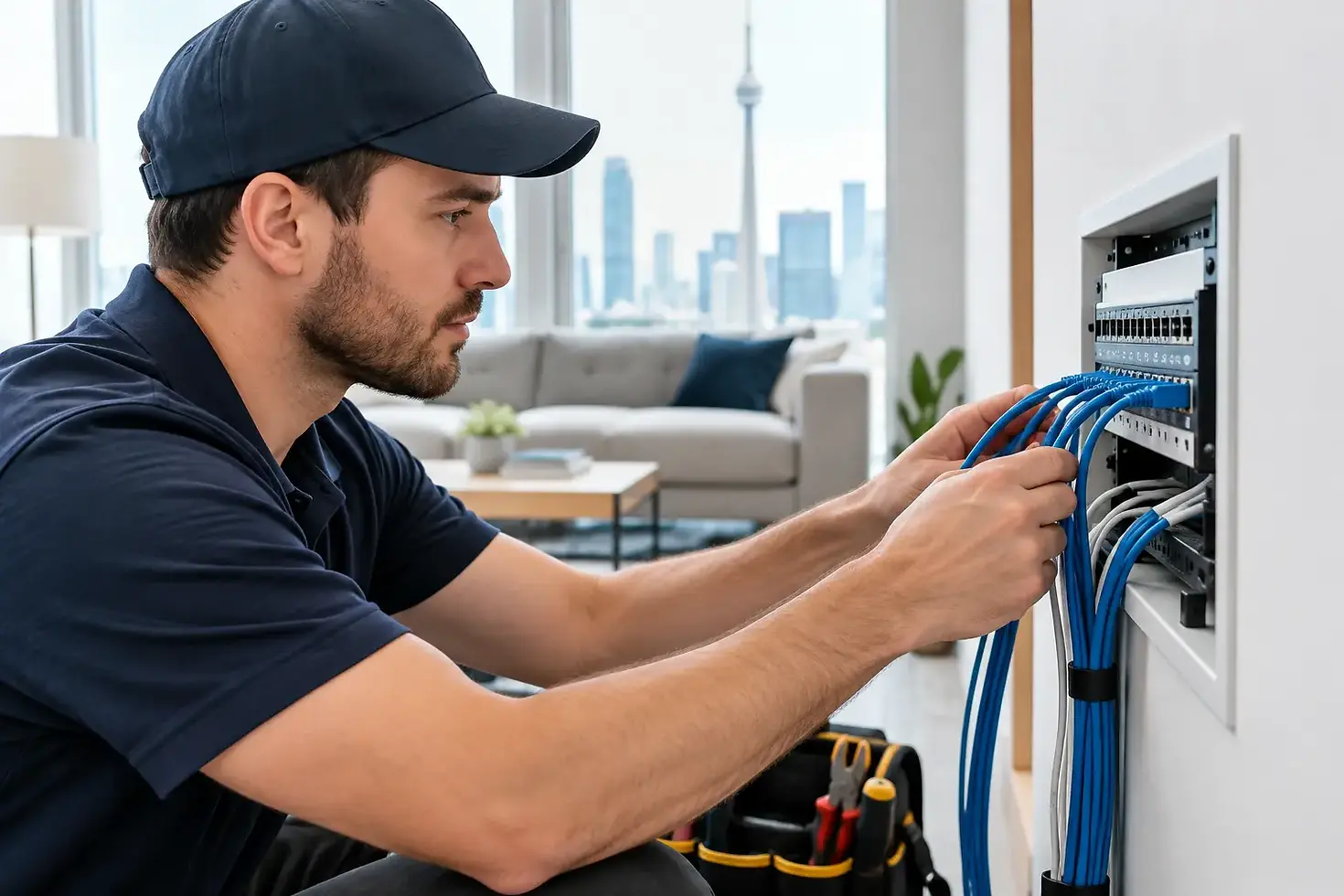
Every cable needs somewhere to end. A central network location, sometimes called a structured wiring panel or network cabinet, keeps the modem, router, switch, patch panel, camera recorder, and power equipment organized in one place.
Choose this location carefully. It should be accessible for service, reasonably dry, protected from accidental damage, and close enough to the incoming internet service. A cramped closet with no ventilation may be convenient on paper but frustrating once a router, PoE switch, recorder, and backup power supply are producing heat.
Avoid placing Wi-Fi equipment in a metal panel, behind heavy mechanical equipment, or in the basement corner if the goal is whole-home wireless coverage. The central cabinet can house the wired equipment, while separate wired access points are positioned where Wi-Fi is needed. This gives you better coverage without relying on a single router to reach every part of the property.
Label every cable at both ends. It is a small detail that saves significant time when adding a camera, replacing equipment, or troubleshooting a connection. Clean cable management also makes it easier to see what is connected and reduces the risk of unplugging the wrong device.
Put Wired Connections Where They Make a Difference
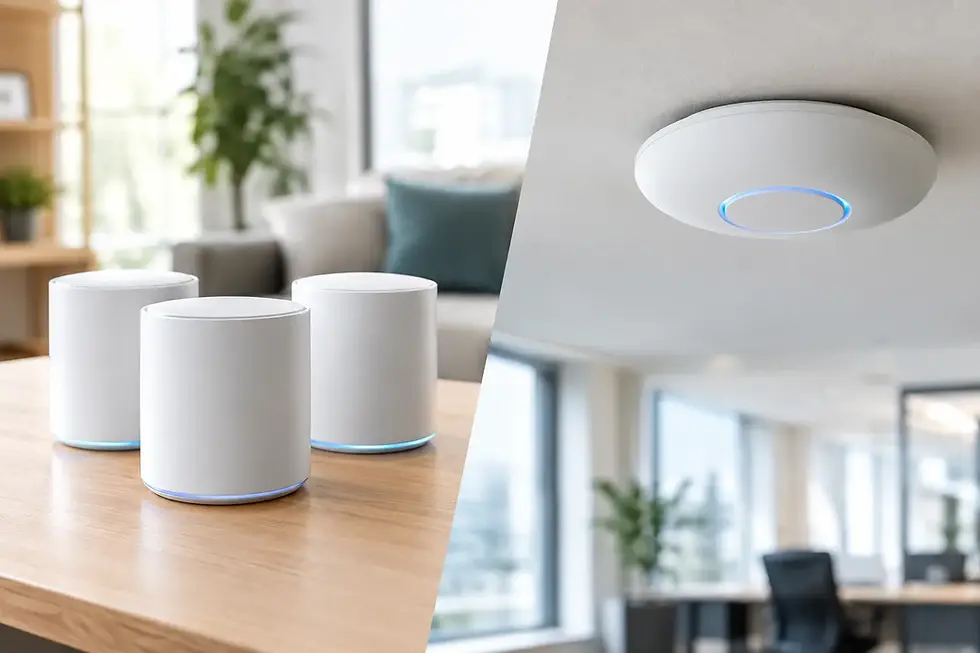
Not every device needs Ethernet, but certain locations consistently benefit from it. A wired ceiling access point can provide stronger and more stable Wi-Fi than an all-in-one router placed near the internet connection. This is especially useful in larger homes, older homes with dense construction, and properties with finished basements.
Home offices should be high on the priority list. Video meetings, cloud backups, remote desktop sessions, and large file transfers are more predictable on a wired connection. Even if a laptop normally uses Wi-Fi, having a nearby network jack provides a reliable option when work cannot wait for wireless troubleshooting.
For entertainment areas, a wired connection can help smart TVs, media devices, and gaming consoles maintain stable streaming and lower latency. It will not fix every issue caused by an internet service provider, but it removes a common source of in-home instability.
Camera locations should be selected based on coverage, lighting, mounting surface, and cable pathway, not just what is easiest to reach. A professionally planned system often covers entry points, driveways, side yards, rear doors, and detached structures while keeping exterior runs discreet and protected.
Do Not Treat Wi-Fi and Cabling as Competing Options
A good home network uses both. Cabling provides the backbone, while Wi-Fi gives phones, tablets, smart speakers, and mobile devices the freedom to move around the property.
Mesh Wi-Fi can be useful, particularly where new cable runs are not practical. However, wireless mesh units still need to communicate with each other. If they rely on a wireless backhaul through several rooms, speed and reliability can decline. Connecting mesh nodes or access points by Ethernet gives them a wired backhaul and often delivers a noticeably better result.
Smart-home devices add another consideration. Many lights, locks, sensors, and speakers are wireless by design, but they still depend on a stable network. A properly located access point, a well-configured network, and enough capacity for many small devices can make daily operation far less frustrating.
Protect the Network While You Build It
A home network may carry camera footage, personal files, work devices, smart locks, and guest traffic. Security should be part of the design rather than an afterthought.
Use quality networking equipment, change default passwords, keep firmware current, and use strong Wi-Fi encryption. Guest devices should not have the same access as the equipment that stores camera recordings or handles work data. Depending on the home and equipment, separate networks for guests, cameras, or smart devices may be appropriate.
Power protection also matters. A brief outage can interrupt cameras, internet equipment, and Wi-Fi. A suitable battery backup can keep key equipment operating through short power interruptions and help prevent abrupt shutdowns. It is not necessary for every device, but it is often worthwhile for the modem, router, switch, and recorder.
Know When Professional Installation Is Worth It
Running a cable along an open basement ceiling can be straightforward. Running it cleanly through finished walls, multiple floors, exterior areas, or difficult attic spaces is another matter. The visible result is only part of the job. Cable bends, termination quality, PoE requirements, testing, equipment placement, and future service access all affect whether the system performs as expected.
Professional installation is particularly useful when a network supports security cameras, multiple access points, remote work, or a larger smart-home setup. At TechWise, the focus is on practical design, clean installation, and equipment that can be supported as your needs change.
Before closing walls during a renovation, ask for a cabling plan. Adding the right runs while access is open is usually simpler and more cost-effective than trying to retrofit them later. A few well-placed cables can give your home the dependable connectivity needed for work, security, entertainment, and whatever technology comes next.