How to Choose Night Vision Cameras for Your Property

A camera that records a bright driveway at noon but produces a washed-out blur at 2 a.m. is not doing the job you bought it for. When considering how to choose night vision cameras, the key is not simply finding the longest night-vision range on a product box. You need a system that can identify useful details in the real conditions around your home or business - from a dim side entrance in Burlington to a parking area, loading door, or backyard with changing light.
Nighttime camera performance depends on the equipment, but also on placement, available lighting, your network, and the type of activity you need to capture. A properly designed system gives you a clear view when it matters, without filling your phone with useless motion alerts or leaving critical areas in shadow.
Start With What You Need to See at Night
Before comparing cameras, decide what evidence or visibility you actually need. There is a meaningful difference between detecting movement near a gate and identifying a face at the front door. A camera may show that someone entered a driveway from 25 metres away, yet not provide enough detail to identify them.
For most homes, the priorities are entrances, driveways, garages, side yards, back doors, and areas where packages are left. Small businesses may also need coverage for customer entrances, staff doors, cash areas, inventory, parking lots, receiving doors, and exterior equipment.
Think about the likely distance between the camera and the subject. A wide-angle camera covers more area but makes faces and licence plates appear smaller. A narrower field of view captures more detail at distance but may leave blind spots. The right answer often involves using more than one camera rather than expecting one unit to cover an entire property.
How to Choose Night Vision Cameras by Image Quality
Resolution matters, particularly after dark. HD cameras can be suitable for close-range coverage, such as a porch or interior hallway. For wider outdoor areas, 4K cameras can provide more detail for reviewing faces, clothing, vehicles, and activity around the property.
However, resolution is only one part of nighttime image quality. A high-resolution camera with a small image sensor or poor low-light performance can still create noisy, unclear footage. Ask about the camera's low-light capability, sensor quality, lens, and night mode rather than selecting equipment based on resolution alone.
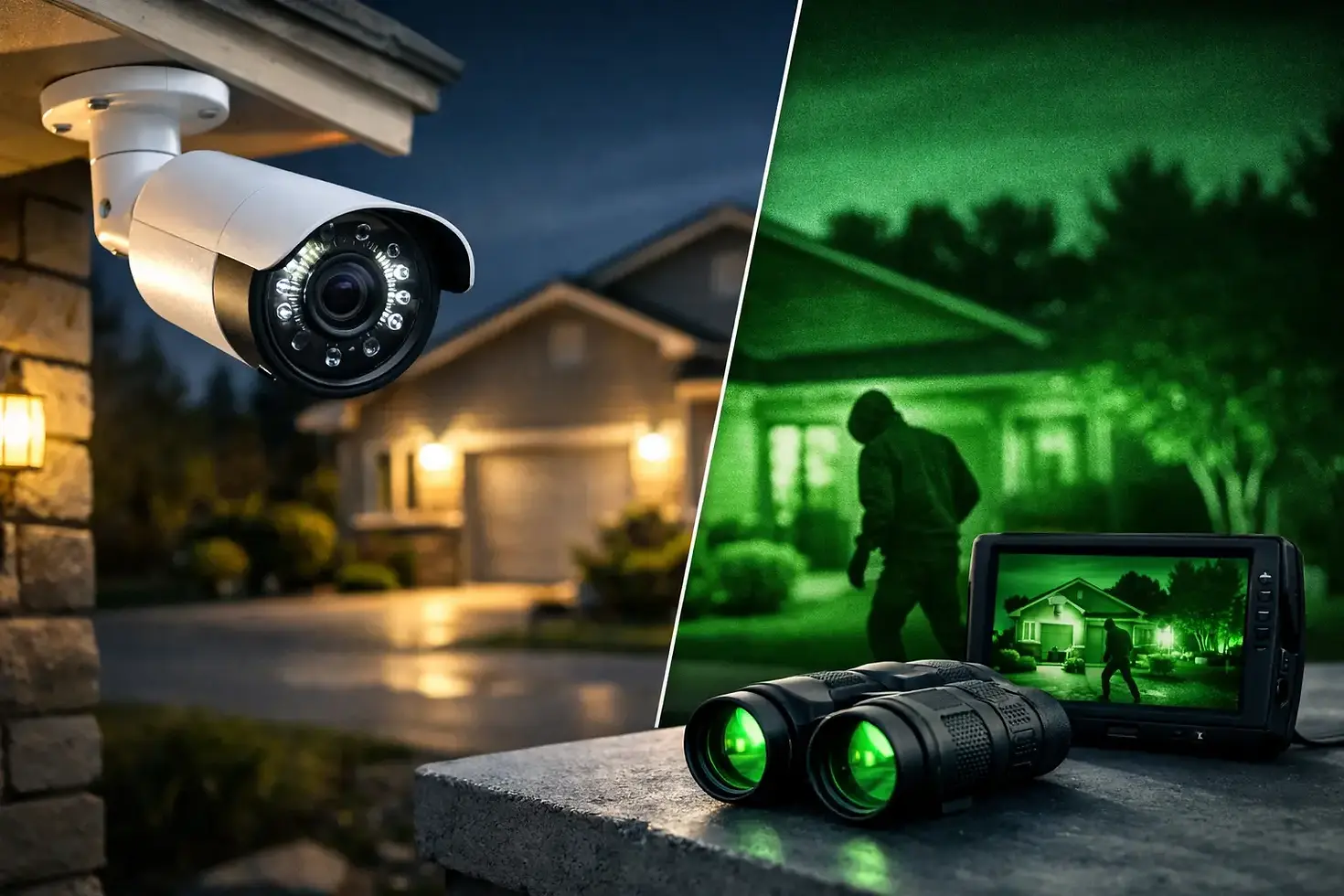
Infrared, often called IR night vision, is common in security cameras. Built-in infrared LEDs illuminate an area with light that is not normally visible to the human eye, allowing the camera to record in black and white. This is effective for many homes and businesses, especially in enclosed or consistently dark spaces.
Colour night vision can be helpful where identifying clothing, vehicle colour, or other details is valuable. These cameras use available ambient light, such as porch lights, parking-lot fixtures, or street lighting, and some include a discreet built-in light. The trade-off is that colour night vision generally needs more light than infrared. In a completely dark backyard, an IR camera may deliver a more reliable image unless additional lighting is installed.
Check the Real Night Vision Range
Night vision range claims can be misleading if they are viewed as a guarantee. A camera rated for 30 metres may detect motion at that distance under ideal conditions, but identification quality will be much shorter. Trees, fences, rain, snow, landscaping, and surrounding light all change the result.
For a typical driveway or walkway, it is more useful to assess whether the camera can clearly show a person approaching from the street, vehicle, or gate. For a commercial property, consider the full length of the area you need to monitor, including where people park or where deliveries arrive after hours.
Positioning also affects infrared performance. If an IR camera is aimed through a window, its own LEDs may reflect off the glass and obscure the image. Nearby walls, soffits, white fences, signs, and shiny surfaces can create infrared bounce-back that overexposes part of the frame. A camera should be tested and adjusted after dark, not only installed during the day.
Plan for Lighting, Weather, and Seasonal Changes
Outdoor lighting does not need to be harsh or constantly on. A well-placed, motion-activated light can improve colour footage and discourage unwanted activity. It can also help a camera capture useful detail without relying entirely on infrared.
At the same time, do not point a camera directly at a bright porch light, streetlight, or vehicle headlights. Strong backlighting can turn a person into a silhouette. Cameras with wide dynamic range can manage mixed lighting better, but placement remains the first solution.
In the Greater Toronto Area, outdoor cameras also need to handle winter temperatures, moisture, wind-driven rain, and summer heat. Choose weather-resistant equipment rated for outdoor installation, and make sure cable entry points, mounting hardware, and junction boxes are protected. A durable camera is only part of a durable installation. Exposed connections and poorly sealed penetrations can cause failures long before the camera itself wears out.
Snowfall deserves special attention. Infrared light can reflect off falling snow close to the lens, creating bright streaks and frequent motion alerts. Careful mounting height, angle, and motion settings can reduce these issues.
Choose Wired or Wireless Based on Reliability
Wireless cameras can be practical for difficult-to-wire locations or smaller installations. They are often quick to deploy, but their performance depends on a stable Wi-Fi signal at every camera location. A weak signal can mean delayed live viewing, lower recording quality, missed events, or cameras that disconnect when the network is busy.
For permanent coverage at a home or small business, wired cameras are often the more dependable choice. Power over Ethernet systems use a single network cable for power and data, which supports reliable recording and avoids regular battery charging. They are especially well suited to exterior cameras, commercial properties, and locations far from the Wi-Fi router.
That does not mean every property needs the same setup. A property-specific assessment should consider wall construction, attic access, existing wiring, network equipment, and the number of cameras required. Clean cable routing and correctly placed access points make a major difference in system reliability.
Do Not Overlook Recording and Remote Viewing
A camera is only useful if footage is available when you need it. Decide whether you want continuous recording, event-based recording, or a combination of both. Continuous recording provides the fullest picture of what happened before and after an event, while motion-based recording can reduce storage use.
Local recording to a network video recorder is a dependable option for many installations and avoids relying exclusively on a cloud subscription. Cloud storage can offer convenient off-site backup, but recurring fees, upload speed, retention limits, and privacy preferences should be considered.
Remote viewing should be simple enough for the people who will use it. You should be able to check live video, review recorded footage, receive sensible alerts, and securely share access with a spouse, family member, manager, or trusted staff member. Strong passwords, user permissions, and secure network configuration are essential, particularly for business systems.
Set Up Motion Alerts That Help Rather Than Interrupt
A camera system should alert you to activity that matters, not every passing car, tree branch, raccoon, or snowflake. Look for cameras with person, vehicle, or line-crossing detection where appropriate. These features can reduce unnecessary notifications and make footage easier to search.
Detection zones are equally useful. For example, a front camera can monitor the walkway and porch while excluding a busy road. A business camera can alert when someone enters a restricted area after hours without constantly reporting normal movement in a public parking lot.
Before making a final choice, confirm these practical points:
Can the camera identify a person at the distance that matters?
Will infrared reflect off glass, siding, fences, or nearby surfaces?
Is there enough reliable Wi-Fi, or is a wired connection the better option?
Where will footage be stored, and how long will it be retained?
Can the system be adjusted easily as lighting, landscaping, or property needs change?
Get the Design Right Before the Equipment Is Installed
The best night vision camera is not necessarily the most expensive model. It is the camera selected and positioned for a specific view, connected to a reliable network, and configured to record useful footage after dark.
A professional assessment can identify blind spots, cable routes, lighting issues, and network limitations before installation begins. TechWise helps homeowners and small businesses across Burlington and the GTA plan security camera systems around the property rather than forcing the property to fit a standard package. A few well-placed cameras, properly tested at night, can provide far more peace of mind than a larger system that leaves the important details unclear.