Remote Security Camera Mobile Viewing That Works

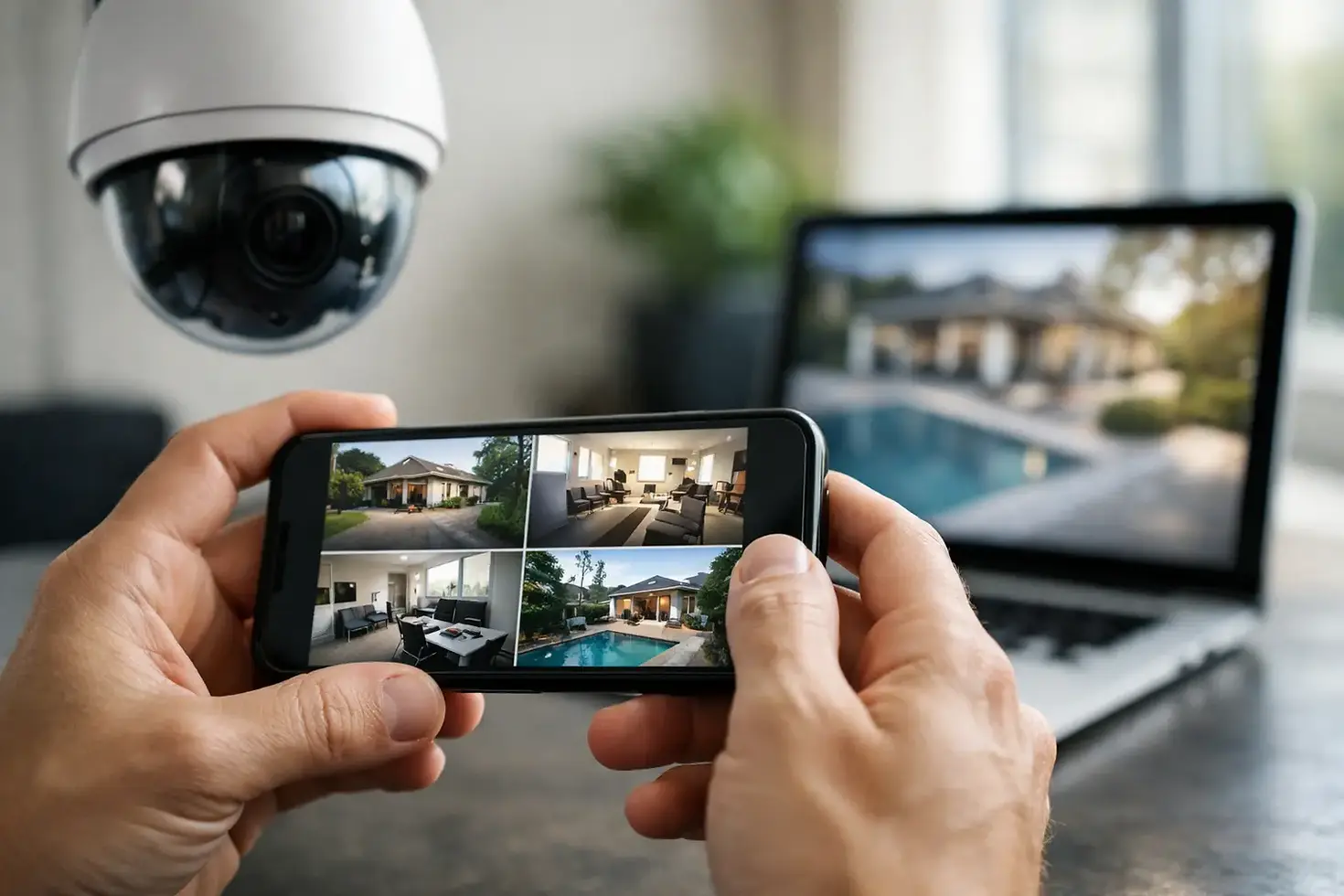
A camera is only as useful as the view you can access when something happens. Remote security camera mobile viewing gives homeowners and business owners a live look at their property from a phone or tablet, whether they are at work in Burlington, away for the weekend, or managing a location across the GTA.
The feature sounds simple, but dependable mobile viewing depends on more than downloading an app. Camera placement, video quality, internet service, Wi-Fi coverage, recording equipment, account security, and proper setup all affect whether you can see a clear image when you need it. A professionally designed system puts those pieces together without making daily use complicated.
What Remote Security Camera Mobile Viewing Lets You Do
With the right system, your mobile app becomes a practical way to check in rather than a technical project to manage. You can view a live camera feed, review recorded clips, receive motion alerts, and switch between cameras from one screen. Many systems also allow two-way audio at a door, gate, reception area, or loading entrance.
For a homeowner, that may mean checking who approached the front door, confirming that a package arrived, or looking at the driveway after an alert. For a small-business owner, it can mean checking an opening or closing routine, verifying activity around a service entrance, or looking in on the premises without asking staff to send photos.
Remote access is not a replacement for good locks, alarms, lighting, or staff procedures. It does provide useful visibility and a recorded reference when an incident, delivery, weather event, or false alarm needs to be checked.
The System Behind a Clear Mobile View
The app is the part you see, but the quality of remote viewing is determined by the equipment and network behind it. This is where a tailored installation makes a noticeable difference.
Camera quality and placement come first
A 4K camera can provide excellent detail, but resolution alone does not guarantee useful footage. A camera mounted too high may show the top of a person's head rather than their face. A camera aimed into direct sunlight can produce glare. At night, nearby reflective surfaces, porch lights, and the camera's infrared range all influence the image.
A property-specific design considers what needs to be seen: faces at a front entrance, vehicles in a driveway, activity around a side gate, or transactions at a business counter. It also accounts for Canadian weather. Outdoor cameras need suitable weather resistance, secure mounting, protected cabling where required, and a field of view that remains useful through rain, snow, and changing seasonal light.
Your internet connection matters
Remote viewing relies on your property's upload speed. Internet plans are often advertised by download speed, but cameras send video out to your phone using upload bandwidth. A fast download plan with limited upload capacity may still struggle when several high-resolution cameras are recording or being viewed remotely.
This does not always mean you need a new internet plan. It may mean the system needs to be configured properly. Video settings can balance image detail and bandwidth, and many professional systems use a lower-bandwidth stream for mobile viewing while keeping higher-quality video on the local recorder.
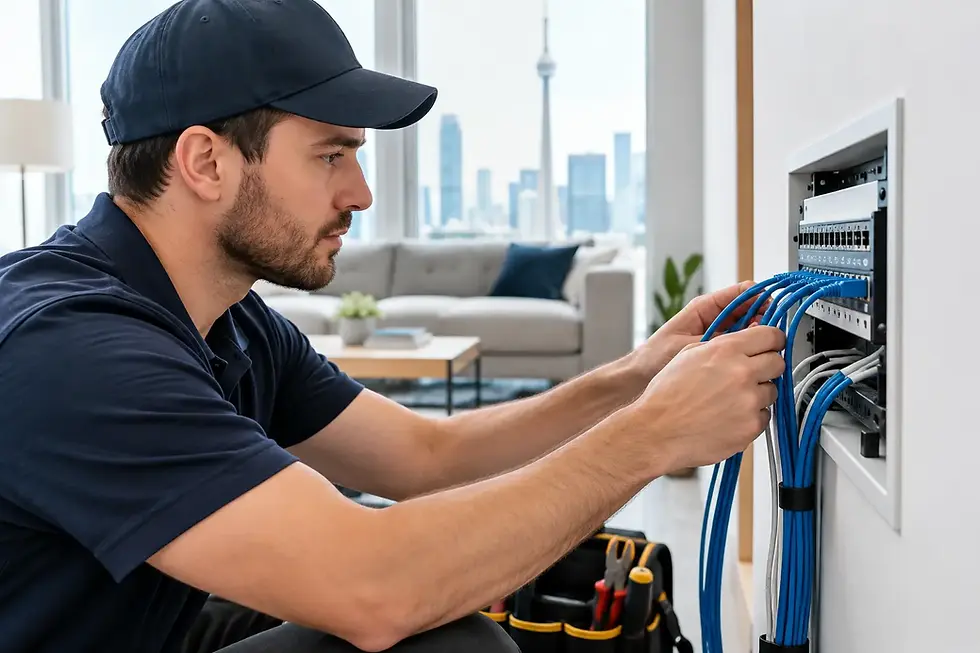
Wired cameras are often the strongest choice for larger homes and businesses because they offer stable connectivity and can be powered through the network cable. Wireless cameras can be a good fit for certain locations, particularly where running a cable would be disruptive or impractical. The right choice depends on the building, camera locations, available network coverage, and the level of reliability required.
Wi-Fi coverage is a common weak point
A camera at the far end of a property, over a detached garage, or near a rear workshop may be outside reliable Wi-Fi range. The result can be delayed live video, missed recordings, intermittent alerts, or a camera that appears offline just when you want to check it.
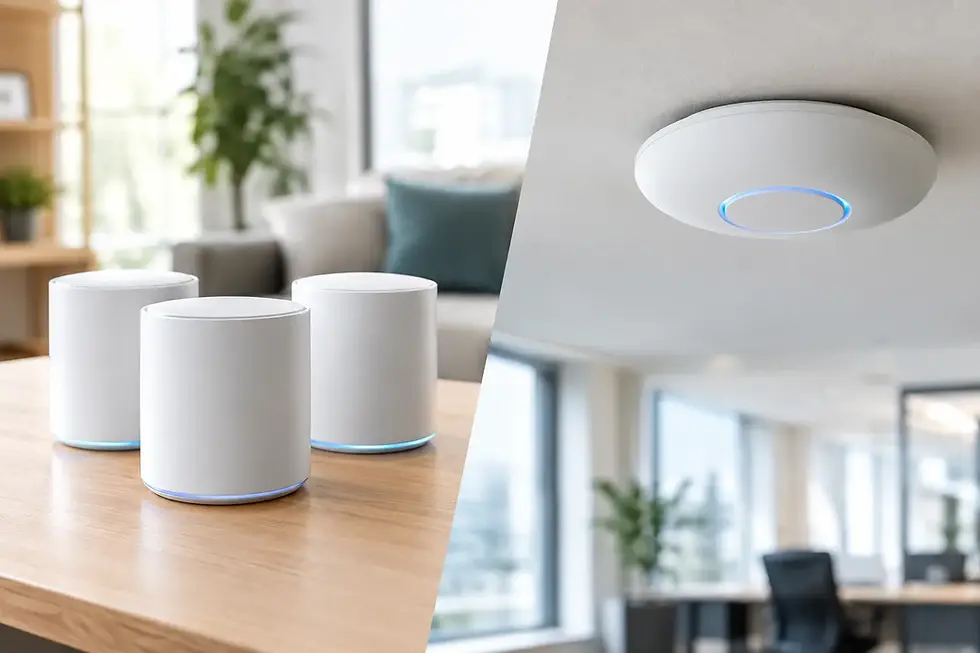
Adding a camera without evaluating the network can create more frustration than security. In some cases, a properly placed access point, a network cable, or a wired camera connection is the better fix. TechWise can assess both the camera locations and the Wi-Fi or network equipment supporting them, which avoids treating the two as separate problems.
Choosing Alerts That Help Instead of Interrupt
Motion notifications are useful only when they are meaningful. A camera that sends an alert for every passing car, tree branch, pet, or snowflake will quickly be ignored. The goal is to receive fewer alerts that point to activity worth checking.
Modern systems can often define activity zones, such as a front walkway, a gate, or a rear door, while excluding a public sidewalk or busy road. Some cameras also offer person, vehicle, or package detection. These features can improve notifications, but their performance depends on camera position, lighting, and the particular setting.
For businesses, it may be appropriate to receive alerts after hours but not during normal operating times. For a home, an alert from the driveway at night may be more useful than notifications from the front lawn all day. A good setup matches the alert rules to how the property is actually used.
Remote Viewing Should Be Secure, Not Just Convenient
A security camera system needs its own security plan. The mobile app should use a unique, strong password, and multi-factor authentication should be enabled where available. Avoid sharing one account across a household or business if individual user accounts and permissions can be assigned instead.
For a small business, staff should only have access to the cameras they need. A manager may need remote playback and settings access, while an employee may only need to view a front-door camera during a shift. When someone leaves the business, access should be removed promptly.
The recorder and network also need attention. Firmware updates, secure router settings, and properly configured remote access help reduce unnecessary exposure. This is especially relevant when cameras share a network with business computers, payment systems, VoIP phones, printers, or smart-home devices.
Local Recording Still Matters
Cloud storage can be convenient, but it is not the only recording option and may involve ongoing subscription costs. A local network video recorder can keep footage on site, often with greater control over retention time and image quality. Some systems combine local recording with cloud-based alerts or backup options.
The best arrangement depends on the number of cameras, recording resolution, how long footage should be kept, and whether the property has reliable internet. If internet service goes down, a properly designed local recorder can continue recording even though remote mobile viewing is temporarily unavailable.
That distinction matters. Remote access is valuable, but local recording protects the evidence at the property. For businesses, retention needs may also be shaped by internal policies, insurance requirements, or the need to investigate an event days or weeks later.
Questions to Settle Before Installation
Before selecting cameras or committing to a setup, it helps to walk through the property and answer a few practical questions:
Which entrances, vehicles, assets, or activity areas need coverage?
Do you need identification-level detail, general oversight, or both?
Is a wired connection practical at each location, or does Wi-Fi need improvement?
Who should receive alerts and who should be able to review recordings?
How long should video be stored, and do you prefer local recording, cloud storage, or a combination?
These decisions prevent common disappointments, such as a camera that sees the wrong angle, a recorder with too little storage, or a mobile app that is difficult for family members or staff to use.
A Better Test Than Watching the Live Feed Once
A system should be tested in the conditions that matter, not only while standing beside the installer with a phone connected to the same Wi-Fi network. Check remote viewing over cellular data. Review nighttime footage. Trigger alerts from the areas you want monitored. Confirm that recordings are saved and that the right people can log in without being given unnecessary control.
It is also worth testing after the system has been in use for a few days. Notification settings often need small adjustments once normal household, customer, staff, and delivery activity is visible. That is not a failure of the equipment. It is part of tuning a security system to the property.
A camera system should make it easier to check what matters, not create another device that needs constant attention. A short property walkthrough and straightforward advice can identify the right camera locations, network improvements, and remote access settings before installation, leaving you with a clear view when you are away and dependable support when you need it.