Security Cameras in Burlington: What Works Best

A camera above the front door is useful only if it captures a clear face, keeps recording when it matters, and is easy to review afterwards. The same applies to a camera watching a shop entrance, loading area, side gate, or parking lot. When choosing security cameras Burlington homeowners and business owners need, the goal is not simply to add more cameras. It is to create dependable coverage for the parts of your property that matter most.
That takes more than picking a camera from a shelf. Burlington properties vary widely: older homes may have challenging cable routes, newer homes may have finished basements and soffits to protect, and small businesses often need cameras that work alongside existing Wi-Fi, networks, alarms, or point-of-sale equipment. A properly planned system accounts for those details before installation begins.
Start With What You Need to See
A useful camera plan starts with the questions you want the system to answer. At a home, that may mean knowing who approached the front door, whether a package was delivered, or what happened near the driveway overnight. For a business, it may mean confirming customer traffic, monitoring an entrance after hours, checking a rear door, or reviewing activity around inventory and equipment.
The best camera locations are usually the ones that cover points of entry and key paths through the property. A front-facing camera should be positioned for faces rather than simply aimed down from the highest possible point. A driveway camera needs enough detail to identify people and vehicles without being blocked by headlights or tree growth. At a business, a wide view of a room can be helpful, but it may not replace a closer camera covering a cash area, door, or restricted space.
A property-specific assessment also avoids common blind spots. Side entrances, gates, detached garages, rear access routes, and shared commercial corridors are easy to overlook. One carefully placed camera can often provide better practical coverage than several cameras installed without a plan.
Wired or Wireless Security Cameras in Burlington?
Both wired and wireless systems can be excellent choices. The right answer depends on the building, the coverage required, and how much reliability you need from each camera location.
Wired cameras are often the strongest choice for permanent exterior coverage, businesses, and areas where reliable recording is a priority. Many professional systems use a single network cable to provide power and data. This keeps the installation tidy, avoids regular battery changes, and provides a stable connection that is not dependent on wireless signal strength. A wired camera can also be a smart option where continuous recording is needed.
Wireless cameras can work well where running cable would be disruptive or impractical. They can be useful for smaller coverage areas, detached spaces, rentals where permitted, or as part of a broader smart-home setup. The trade-off is that wireless performance depends on strong, consistent Wi-Fi. Thick walls, distance from the router, interference, and busy networks can affect video quality or connection reliability.
Battery-powered cameras are convenient in certain situations, but they should be selected with realistic expectations. Motion-based recording can miss the beginning of an event, batteries require attention, and cold Ontario weather may affect battery performance. They are often best used as a targeted solution rather than the only line of security for a property.
Video Quality Is Only One Part of the Picture
HD and 4K cameras can both deliver useful footage, but resolution should be matched to the job. A 4K camera can provide more detail and allow closer digital review of a scene, which is valuable for wide driveways, larger yards, parking areas, or commercial spaces. Higher resolution also creates larger video files, so storage capacity and network performance need to be planned accordingly.
For a smaller entryway or hallway, a quality HD camera may be more than adequate. Lens choice, camera angle, lighting, and installation height can have as much impact on usable footage as the resolution number on the box.
Night performance deserves the same attention. Infrared night vision can provide clear black-and-white video after dark, while cameras with built-in lighting may provide colour footage in low-light conditions. Neither option is automatically better. Infrared is discreet and practical for many locations. Added light can improve identification detail, but it must be positioned carefully to avoid glare, neighbour concerns, or unwanted attention.
Outdoor cameras should be weather-resistant and mounted with Burlington’s changing seasons in mind. Rain, snow, wind, direct sun, and temperature swings can all affect equipment over time. A camera that is technically rated for outdoor use may still perform poorly if water collects around a connection, branches obstruct its view, or snow buildup blocks its angle.
Recording, Storage, and Mobile Viewing
Many people focus on the live view first, but recorded footage is often what matters after an incident. Before choosing a system, decide how long video should be retained and whether cameras should record continuously, on motion, or using a combination of both.
Continuous recording is useful when every moment matters, such as a business entrance, parking area, or high-traffic space. Motion recording can reduce storage use and make review faster, especially at a home. However, motion settings need to be configured properly. If sensitivity is too high, alerts can become annoying. If it is too low, important activity can be missed.
Local recording through a network video recorder gives many property owners dependable control over their footage. Cloud storage can add convenience and remote backup, though it may involve ongoing fees and relies on a stable internet connection. In many cases, a balanced setup with local recording and carefully configured remote access offers practical peace of mind.
Remote viewing should be simple, not another device that needs constant attention. A properly configured mobile app lets you check cameras while away, receive useful alerts, and review events without exposing the rest of your home or business network. Secure account setup, strong passwords, software updates, and correct network configuration are part of the installation, not optional extras.
Clean Installation Protects the System and the Property
A camera system should look like it belongs on the property. Loose cables, poorly sealed holes, exposed connections, and awkward camera angles are not just cosmetic concerns. They can create points of failure and make a good system harder to maintain.
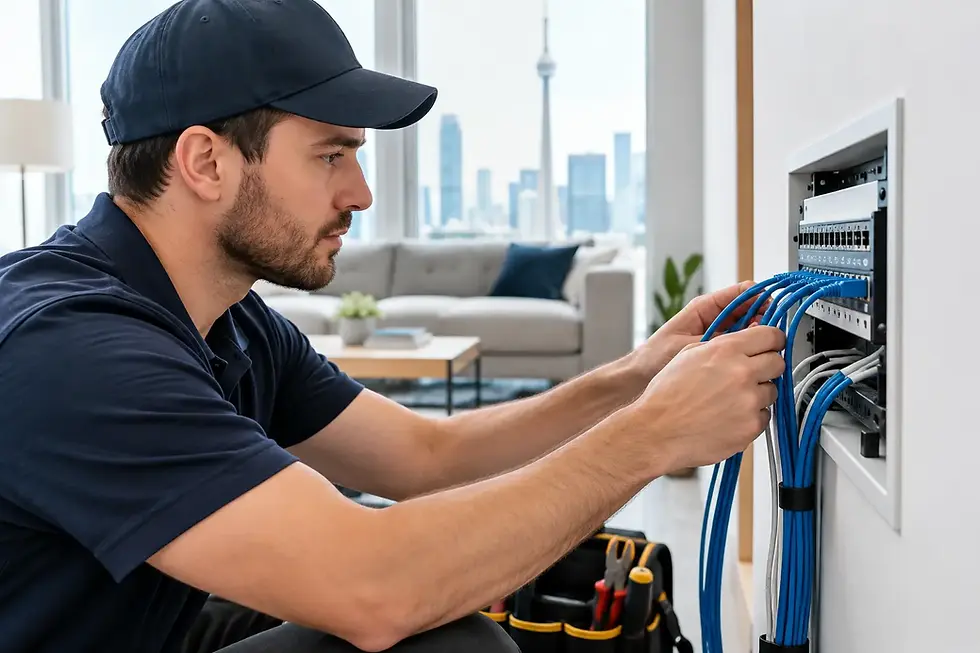
Professional installation considers cable routing, exterior penetrations, mounting surfaces, power requirements, network capacity, and future access for service. At a home, that may mean using existing pathways where possible and protecting finished spaces. At a business, it may mean coordinating camera cabling with network equipment, work areas, ceiling layouts, and operating hours.
It is also worth planning for growth. A homeowner may later want coverage for a new shed, backyard renovation, or second entrance. A business may add staff, change its floor plan, expand storage, or need another camera at a new access point. Choosing equipment and recording capacity with room to expand can prevent an unnecessary replacement later.
When Cameras Need Better Wi-Fi and Network Support
Security cameras are connected technology, so camera performance is closely tied to the network behind it. If remote viewing freezes, a wireless camera drops offline, or recorded video takes too long to load, the cause may be Wi-Fi coverage, router limitations, cabling, internet service, or network settings rather than the camera itself.
This is especially relevant for small businesses. Surveillance equipment should not compete carelessly with staff devices, guest Wi-Fi, VoIP phones, payment terminals, and cloud applications. Separating and securing network traffic helps keep the system reliable while protecting business operations.
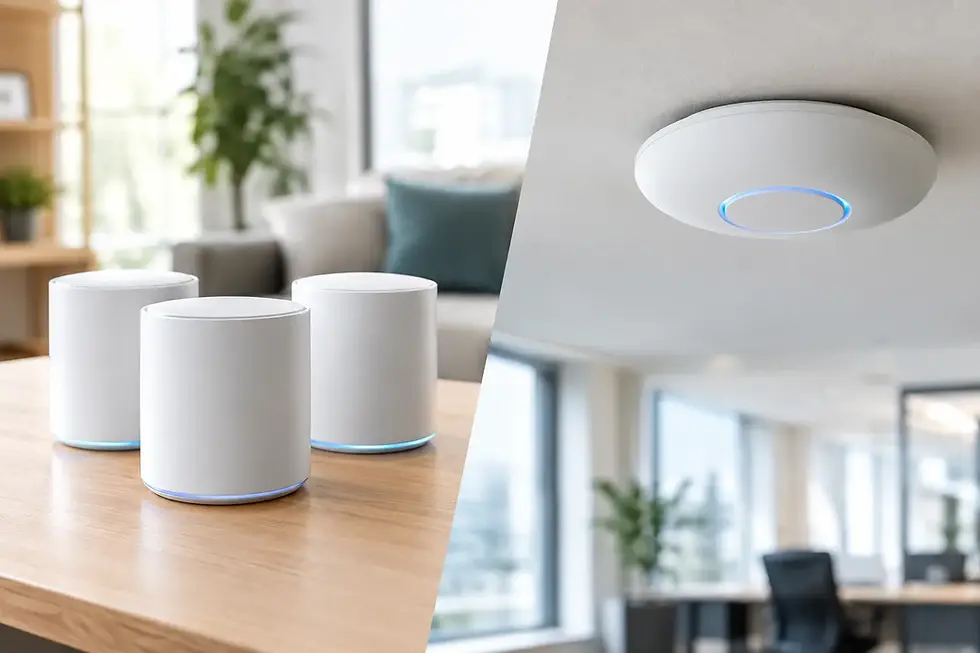
For homeowners, improving Wi-Fi coverage can also make connected locks, lights, doorbells, and cameras work more consistently together. It depends on the home and the devices involved, but addressing the network at the same time as the camera installation often prevents frustration later.
Choose Support, Not Just Equipment
A security camera system is not finished the day it is installed. Cameras occasionally need repositioning after seasonal changes, apps may require updates, storage settings may need adjustment, and a new router can affect remote access. The value of a local provider is having someone who understands the original setup and can help when circumstances change.
TechWise designs and installs camera systems around the property rather than forcing every customer into the same package. That means clear advice on wired and wireless options, clean workmanship, practical remote viewing, and help with upgrades, repairs, expansions, Wi-Fi, and related technology needs.
The most effective security setup is the one you can trust without thinking about it every day. Start with the areas you need to protect, choose equipment suited to those conditions, and make sure there is a clear path for support when your needs change.