VoIP Phone Setup Small Business Made Simple

A VoIP phone setup small business owners can depend on is not just a matter of plugging in desk phones. Your phones, internet connection, Wi-Fi, network security, call routing, and staff workflows all need to work together. When they do, customers reach the right person, remote staff stay connected, and your business has a phone system that is easier to manage as it grows.
For owner-led businesses across Burlington and the Greater Toronto Area, the goal is simple: clear calls, professional call handling, and someone local to call when something needs attention. The right setup starts with understanding how your team actually communicates, rather than choosing equipment based on a feature list.
Start with how your business handles calls
Before selecting phones or a VoIP provider, map out what happens when a customer calls. A retail shop may need a main number that rings at the counter and in the office. A contractor may need calls to reach a mobile phone when the team is off-site. A professional office may require reception, individual extensions, voicemail, call transfer, and after-hours messages.
This is where a properly planned system saves time. Decide who answers first, where calls go if that person is unavailable, and what callers hear after business hours. Consider whether staff need direct extensions, shared lines, call groups, voicemail-to-email, or the ability to answer business calls from a computer or mobile app.
There is no need to add every available feature. Too many options can make a simple task harder for staff. A well-designed VoIP system should fit the way your business already works while correcting the gaps that cause missed calls or confusion.
Check the network before the phones arrive
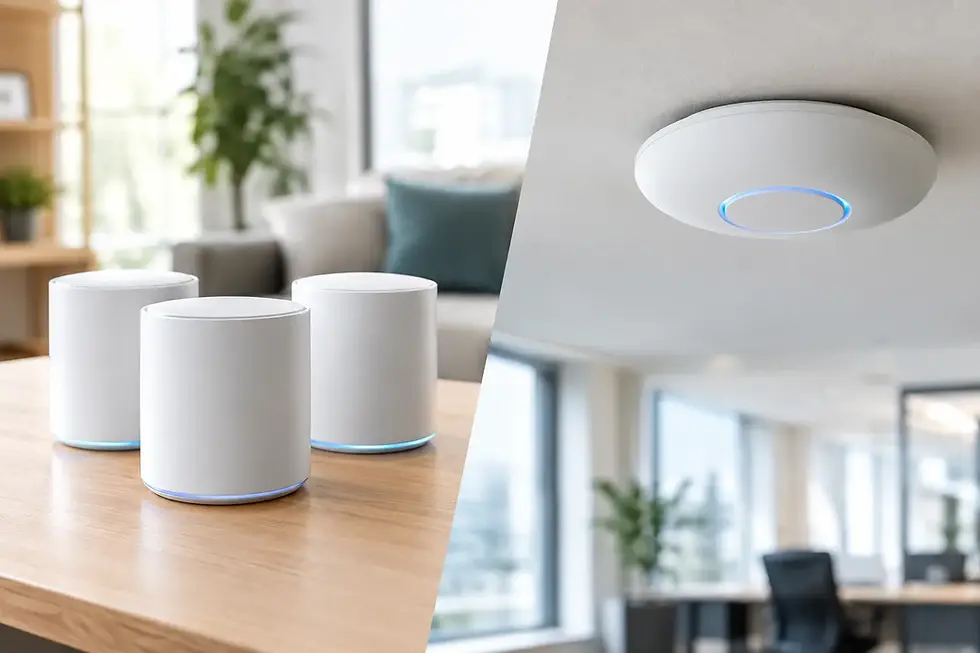
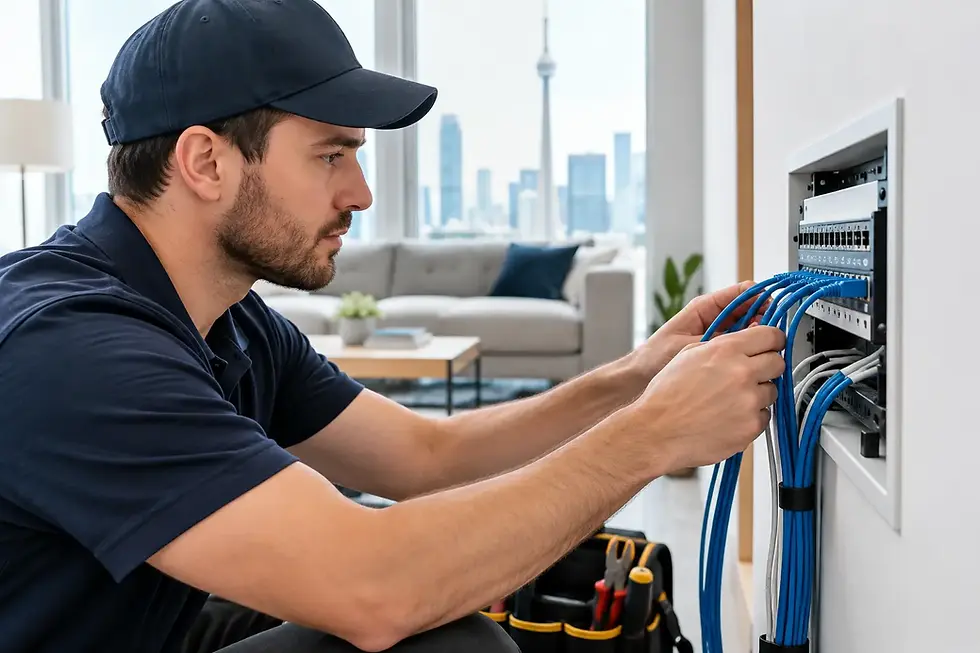
VoIP calls travel over your internet connection. That means phone quality depends on more than the phone sitting on a desk. An unreliable router, weak Wi-Fi coverage, overloaded network, or poor cabling can all create choppy audio, delays, dropped calls, and one-way conversations.
A small office does not necessarily need an expensive enterprise network, but it does need the right foundation. The internet connection should have enough consistent upload capacity for the number of simultaneous calls you expect, alongside everyday traffic from computers, cloud backups, cameras, streaming, and guest Wi-Fi.
Give voice traffic priority
A managed network can prioritize voice traffic so a large download or security camera upload does not interfere with an important client call. This is often handled through quality-of-service settings and sensible network design. It matters most in busy offices where several people may be on calls at once.
Whenever practical, connect fixed desk phones with wired Ethernet rather than relying on Wi-Fi. A wired connection is generally more stable, easier to troubleshoot, and less affected by walls, distance, or interference. Wi-Fi phones and mobile apps can still be useful for flexible work areas, but they should be part of a tested coverage plan.
Network security also belongs in the conversation. Business phone systems are connected services, not isolated devices. Strong router configuration, secure passwords, regular updates, and controlled access help protect your network and reduce the risk of unauthorized use.
Choose equipment for the people using it
The best phone is not always the one with the largest screen or longest feature list. A receptionist may benefit from a larger display and programmable keys for transferring calls. A manager who is frequently away from the desk may get more value from a mobile app and a reliable headset. A warehouse or shop floor may need a cordless handset or paging solution.
Think about practical details. Will users need headsets for frequent calls? Do employees share desks? Is there a noisy work area where call clarity is especially important? Do you need a conference phone for a boardroom, or will remote meeting software cover that need?
It is also worth planning for growth. If you are adding a new employee in six months, make sure the system can add an extension without forcing you to replace equipment. If you operate from more than one location, confirm how calls will move between sites and whether each location needs its own number, menu, or after-hours schedule.
Configure the call flow before launch day
Call routing is the part of a VoIP phone setup for a small business that customers notice first. A professional greeting and clear routing make even a small team feel organized. Poor routing sends callers in circles or leaves them wondering whether anyone received their message.
Set up your main greeting, business hours, holiday rules, voicemail greetings, extensions, and call groups before the system goes live. Keep the menu short. Most small businesses are better served by a direct option such as “press 1 for service” than a long automated menu with too many departments.
Test common situations with your team. Call the main number during business hours, after hours, and from a mobile phone. Transfer a call between users. Leave voicemails. Confirm that notifications reach the correct inboxes. Test what happens when internet service is interrupted and decide whether calls should forward to a mobile number.
A few minutes of testing can prevent an avoidable missed-call problem on the first day.
Plan number porting carefully
If you have an established business number, moving it to your new VoIP service is usually possible, but it takes planning. Keep the existing phone service active until the transfer is confirmed. Cancelling too early can complicate the process or risk losing the number customers already know.
Use the account information exactly as it appears on the current provider's records. Even a small mismatch in the business name, address, or account number can delay a port. Schedule the change for a quieter period where possible, and make sure your staff know what to expect if there is a brief transition window.
Some businesses also choose to keep a backup path for urgent calls, such as mobile forwarding. This is especially useful for service companies, clinics, and businesses where a missed call may mean a lost job or customer concern.
Train staff on the few features that matter
Training does not need to be complicated, but it should be deliberate. Staff should know how to answer, place a caller on hold, transfer a call, check voicemail, update their greeting, and use the mobile or desktop app if it is part of their role.
Written quick-reference instructions near shared phones can help, especially in businesses with part-time staff or changing shifts. The most common issues are usually simple: a handset is on mute, a call was parked instead of transferred, or a user has signed out of the app. Clear instructions reduce frustration and keep minor questions from becoming interruptions.
Build support into the decision
VoIP is often marketed as a self-serve service, but small businesses do not always have time to diagnose network problems, change call rules, or troubleshoot a phone that stops registering. The provider and installer you choose should be able to explain where responsibility lies when there is a problem: the phone hardware, the VoIP service, the router, the internet provider, or the internal network.
That distinction matters. A phone provider may confirm its service is active, while the actual issue is weak office Wi-Fi or a network setting. Working with one local technology partner for phones, network security, Wi-Fi, computers, and peripherals can make support far more straightforward. TechWise helps small businesses plan, install, configure, and maintain technology systems around the realities of their workspace.
A dependable phone system should fade into the background after it is installed. When a customer calls, your team should be ready to have the conversation, not troubleshoot the connection.