Small Business Network Security Setup That Works

A slow point-of-sale terminal, an unknown device on the Wi-Fi network, or a security camera that stops recording can disrupt a small business quickly. A proper small business network security setup is not just about blocking hackers. It keeps the everyday tools your team relies on - internet access, computers, phones, printers, cameras and cloud services - dependable and separated from unnecessary risk.
For owner-led businesses in Burlington and across the GTA, the right approach is practical: understand how the space operates, protect the most valuable systems first, and build a network that can be maintained without creating more work for your staff.
Start With How Your Business Actually Operates
Network security should fit the property and the work being done there. A retail shop with POS terminals and customer Wi-Fi has different priorities from a professional office handling client files, or a warehouse with cameras, mobile scanners and remote staff. Installing more equipment than needed does not automatically make a network safer. Poorly configured equipment can create gaps and make future troubleshooting harder.
Begin with a clear inventory of what connects to the network. This includes computers, laptops, printers, VoIP phones, cameras, alarm panels, smart locks, tablets, backup drives, Wi-Fi access points and any cloud-based applications. Older devices deserve attention too. An outdated printer or camera recorder may still be useful, but it should not have unrestricted access to business computers and files.
It also helps to identify what must keep working during a busy day. For some businesses, that is the payment terminal and phone system. For others, it is secure access to customer records, live camera viewing, or a reliable connection for staff working remotely. Those priorities guide the design.
Build a Small Business Network Security Setup in Layers
The most reliable setups use several sensible protections rather than relying on one password or one piece of hardware. If a staff member clicks a convincing phishing email, for example, other controls can limit the damage.
Use a Business-Grade Router and Firewall
The internet provider's basic modem may be adequate for a very simple connection, but it rarely gives a growing business the visibility or control it needs. A business-grade router or firewall can manage security rules, monitor connected devices, separate network traffic and provide secure remote access when configured correctly.
The goal is not to block everything. It is to allow legitimate work while preventing unnecessary exposure to the internet. Remote administration should never be left open by default, and router firmware should be kept current. If a device is no longer supported by its manufacturer, replacing it is often safer than trying to work around its limitations.
Separate Business Systems From Guest Wi-Fi
One shared Wi-Fi password for staff, customers, cameras and office equipment is convenient until it is not. Network segmentation separates devices into logical groups so a guest phone cannot browse the same network as accounting computers or a camera recorder.
A typical small business may have a secure staff network, a guest Wi-Fi network and a separate network for cameras, phones or other connected equipment. The exact layout depends on the business. A small office may only need two properly separated networks, while a larger site with surveillance, access control and multiple work areas may benefit from more defined segments.
Guest Wi-Fi can still be easy for customers to use. It simply should not provide a path into your internal systems.
Secure Wi-Fi Beyond the Password
A strong, unique Wi-Fi password is essential, but it is only one part of the job. Use modern encryption, disable outdated security methods, and avoid sharing the main staff password widely. When employees leave, access should be reviewed rather than assuming an old password will remain private.
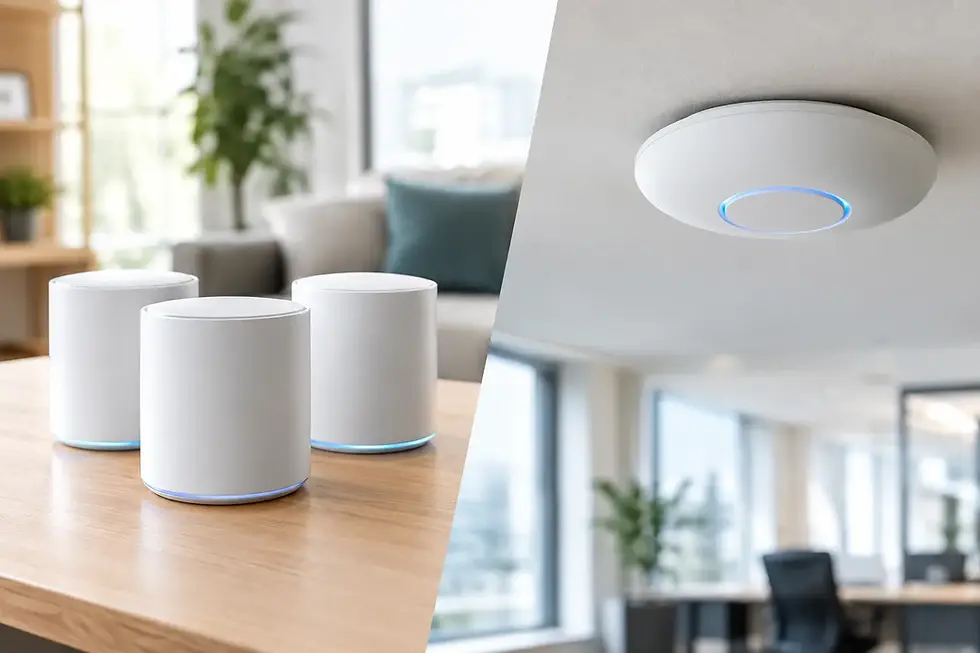
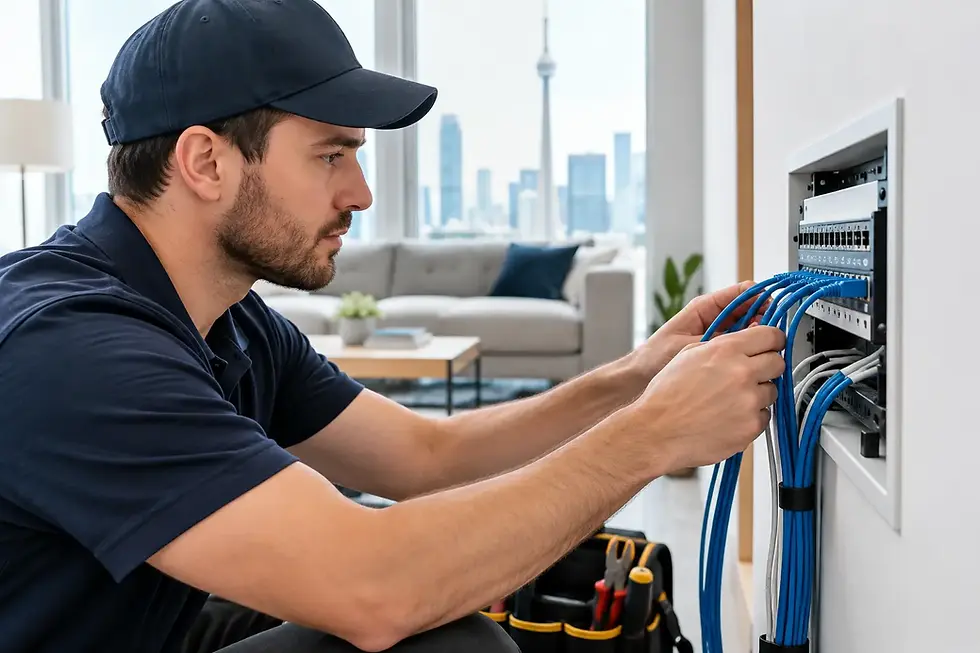
Wi-Fi coverage matters as well. Dead zones encourage staff to use personal hotspots or move equipment into poor locations. Too many access points, however, can create interference if they are not planned and installed properly. A site assessment helps determine where wired access points, cabling and coverage improvements will provide the best result.
Protect Accounts With Multi-Factor Authentication
Email, cloud storage, accounting platforms and remote access tools are common targets because they hold valuable information and can be accessed from anywhere. Multi-factor authentication adds a second check, such as an authentication app prompt, even if a password is stolen.
Apply it first to email administrator accounts, banking and accounting services, cloud storage, remote access and any account that can reset other passwords. Each employee should use their own account rather than a shared login. Shared passwords make it difficult to know who accessed a system and create problems when staffing changes.
Keep Cameras, Phones and Smart Devices in Their Place
Security cameras and VoIP phones improve day-to-day operations, but they are network devices first. They need dependable connectivity, current firmware and appropriate separation from computers that hold business data.
A professionally planned camera installation considers more than image quality. The system needs enough network capacity for the number of cameras, suitable cabling or wireless coverage, secure remote viewing, recorder placement and backup power where appropriate. High-resolution 4K cameras can provide excellent detail, but they also use more bandwidth and storage than lower-resolution systems. The right choice depends on the area being monitored and how long footage needs to be retained.
Avoid using default passwords on cameras, recorders, smart locks or alarm equipment. These defaults are widely known and are one of the simplest ways an otherwise useful device becomes a security concern. Remote viewing should be set up for authorized users only, with individual access where possible.
Do Not Overlook Computers and Everyday Habits
A secure network cannot compensate for unpatched computers or a staff member who unknowingly gives away a password. Every business should have a practical process for updates, antivirus or endpoint protection, account management and backups.
The most valuable habits are straightforward:
Keep operating systems, browsers, business software and network equipment updated.
Use unique passwords stored in a reputable password manager rather than in notebooks or shared spreadsheets.
Remove accounts and remote access promptly when an employee or contractor leaves.
Train staff to pause before opening unexpected attachments, payment requests or password reset messages.
Test backups by restoring a file or system, not just by confirming that a backup message arrived.
Backups deserve special attention. Cloud services often provide some recovery options, but that does not always mean every file, email or version can be restored when needed. A business may need a separate backup plan for critical files, accounting data, camera configurations and key device settings. The best option depends on how much data you have, how quickly you need it back and whether you can tolerate downtime.
Plan for Power Failures and Internet Outages
Security is also about continuity. A brief power interruption can take down a router, camera recorder, phone system and internet connection at once. For many small businesses, a properly sized battery backup for core network equipment is a sensible investment. It can keep devices running long enough to ride out a short outage or allow equipment to shut down properly.
Internet redundancy may also be worthwhile for businesses that cannot afford to lose card payments, cloud applications or VoIP calling. This could mean a secondary connection or a managed cellular backup. It adds cost, so it is not necessary for every location, but it can make a major difference for a busy retail or service operation.
Document the Setup and Maintain It
A network should not become a mystery once the installation is complete. Keep a record of equipment, device locations, network names, administrator access procedures, warranty details and key configuration information. This makes support faster and avoids unnecessary disruption when equipment is upgraded or a problem occurs.
Regular maintenance is where many small business network security setups fall short. Firmware updates, expired licences, changing staff access, failed backup jobs and new devices all create risk over time. A quarterly review is often enough for a small, stable office, while businesses with more staff, customer data or connected security equipment may need more frequent monitoring.
TechWise can assess the way your business uses technology, then design, install and support a network that keeps your essential systems protected without making daily work complicated. The most useful security setup is one your team can rely on quietly, while you focus on serving customers and running the business.