When to Book a Security Camera System Upgrade Service

A camera system that worked well five or ten years ago can become a weak point without obvious warning. Grainy recordings, missed areas around the property, unreliable mobile viewing, or cameras that stop working after dark all reduce the value of your investment. A professional security camera system upgrade service addresses those problems by assessing what is still useful, replacing what is not, and configuring the whole system to suit how you use your home or business.
For property owners across Burlington and the Greater Toronto Area, an upgrade does not always mean starting from scratch. In many cases, existing cable runs, mounts, or recorder locations can be retained. The right approach depends on the age of the system, the condition of the wiring, the layout of the property, and the level of detail you need from recorded video.
Signs Your Camera System Is Due for an Upgrade
The clearest sign is poor image quality. Older analogue cameras may show movement but make it difficult to identify a face, read a licence plate, or understand what happened near an entrance. Modern HD and 4K cameras provide significantly more detail, especially when the camera is positioned correctly and paired with suitable lighting or night vision.
Frequent dropouts are another reason to investigate. A camera that randomly goes offline may be dealing with ageing power supplies, damaged outdoor cable, weak Wi-Fi coverage, an overloaded recorder, or a network configuration issue. Replacing the camera alone may not fix the underlying problem. A proper assessment looks at the full path from camera to recorder, router, monitor, and mobile app.
Coverage often becomes outdated as a property changes. A new shed, side gate, delivery area, renovated office entrance, or expanded parking area can create blind spots. Homeowners may also want visibility at a front door or driveway that was not part of the original installation. Small businesses may need better coverage of stock areas, customer entrances, or after-hours access points.
Other common signs include limited recording storage, no remote viewing, a recorder that is difficult to use, cameras with poor night performance, and systems that rely on equipment no longer supported by the manufacturer. If it takes several attempts to view footage when an incident occurs, the system is not doing its job well enough.
What a Security Camera System Upgrade Service Should Include
A useful upgrade begins with a site-specific review, not a standard package. Camera placement is as important as the camera itself. A high-resolution camera aimed too high, too low, or directly into bright light can still produce disappointing results.
The installer should review key approaches to the property, current blind spots, the distance to the areas being monitored, lighting conditions, cable routes, network capacity, and where recordings will be stored. For a business, this should also account for staff workflows, public-facing areas, privacy considerations, and who needs access to live or recorded video.
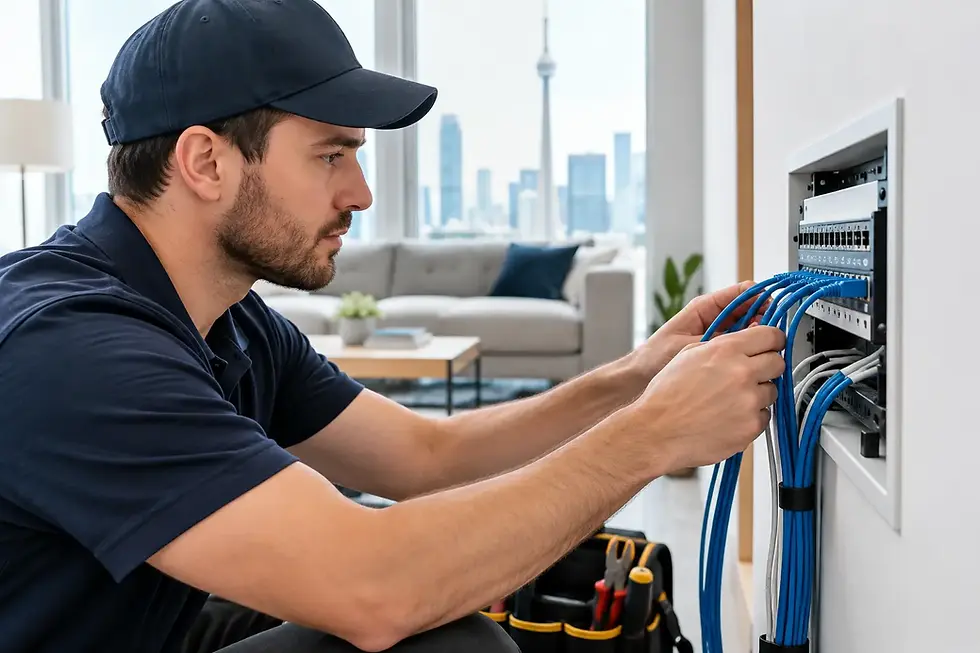
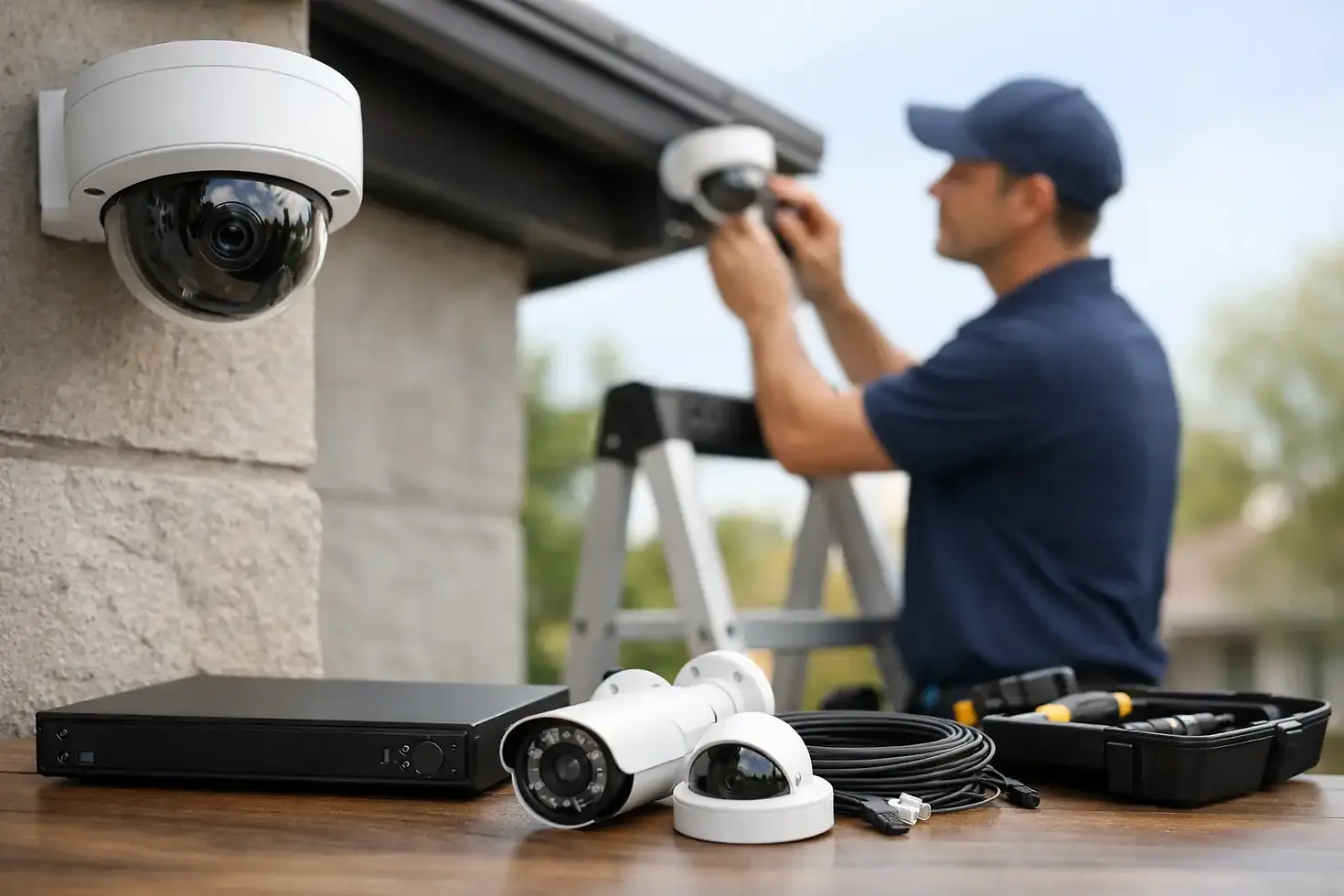
An upgrade may involve replacing older cameras with HD or 4K models, adding weather-resistant outdoor cameras, installing better infrared night vision, increasing recorder storage, or updating the mobile viewing setup. It can also include repairing or replacing cabling, organizing connections at the recorder, and improving Wi-Fi or network performance where wireless cameras are appropriate.
A clean installation matters. Exposed cable, poorly sealed exterior connections, loose mounts, and crowded equipment shelves can lead to avoidable failures later. Professional workmanship helps protect the equipment from weather, keeps the property looking tidy, and makes future service easier.
Wired, Wireless, or a Combination?
Wired cameras are often the strongest choice for permanent coverage of driveways, entrances, parking areas, and commercial spaces. They provide dependable communication, avoid Wi-Fi congestion, and can often use Power over Ethernet so one cable supplies both power and data. Where walls are open or practical cable paths exist, a wired installation is usually worth considering.
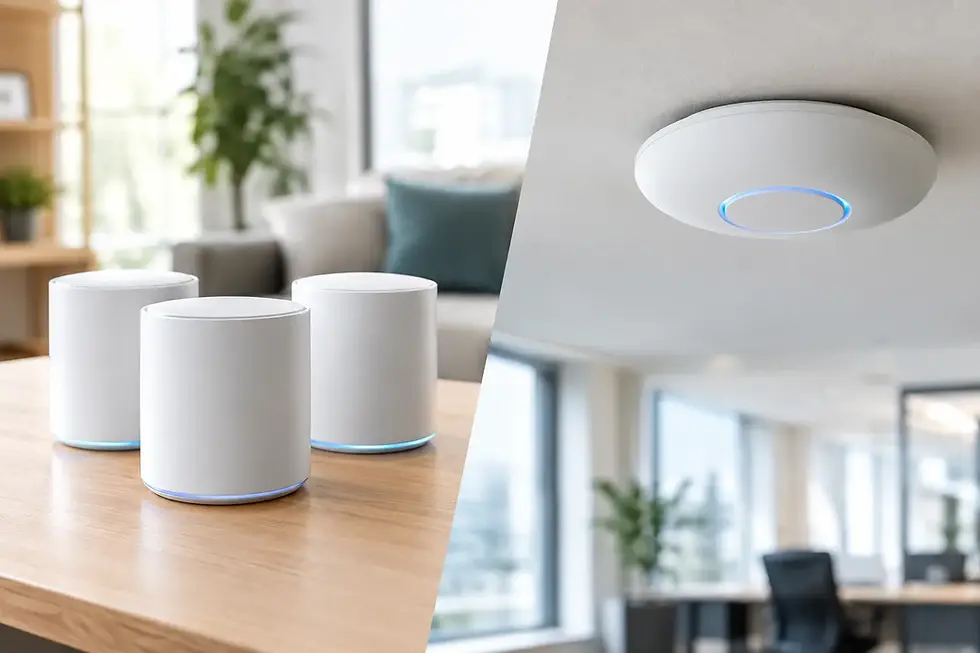
Wireless cameras can be useful where running cable is difficult or where coverage needs to be added in a detached garage, temporary work area, or hard-to-reach location. However, wireless performance depends on strong signal coverage, stable internet equipment, and sufficient power. A camera at the edge of a weak Wi-Fi signal may work intermittently, particularly through brick, concrete, or exterior walls.
Many properties benefit from a combination. The most critical cameras can be wired, while a carefully planned wireless camera covers an area where cabling would be disruptive. The goal is reliable coverage, not choosing one technology for every location.
Better Video Is About More Than 4K
Higher resolution is valuable, but it is not the only factor that determines whether footage is useful. A 4K camera can capture excellent detail across a wide driveway or large commercial lot, yet it also requires more storage and network bandwidth. For a narrow hallway, side door, or small office, a lower-resolution camera placed properly may be the more practical choice.
Field of view also matters. Wide-angle cameras cover more area but can make distant faces and details appear smaller. A focused camera may be better for identifying people at a gate or vehicles entering a driveway. In some situations, two well-positioned cameras provide better results than one camera expected to cover everything.
Night conditions deserve the same attention. Infrared night vision helps cameras see after dark, but reflective surfaces, nearby streetlights, and camera placement can affect the image. A camera facing directly toward headlights or a bright porch light may need adjustment or a model with stronger low-light performance. During an upgrade, these details should be tested rather than assumed.
Remote Viewing and Recording You Can Rely On
Remote access is one of the main reasons people upgrade. Being able to check live cameras from a phone can be helpful when a delivery arrives, an alarm notification is received, or a business owner is away from the premises. The setup should be simple enough that you can use it without a manual every time.
Secure configuration is essential. Default passwords should be changed, user access should be limited to the people who need it, and the network should be reviewed when cameras are connected to business systems or home devices. For small businesses, separating surveillance equipment from day-to-day office devices may be appropriate depending on the existing network and security needs.
Recording capacity should match your needs. Higher-resolution cameras, longer retention periods, and continuous recording require more hard-drive space than motion-based recording. There is no universal number of days that suits every property. A homeowner may only need a reasonable window to review activity, while a business may need longer retention for operational or insurance reasons.
It is also wise to confirm how motion alerts are set up. Too many alerts lead people to ignore them. Too few can miss the activity that matters. Sensible detection zones and notification schedules make remote monitoring more useful without turning every passing car, tree branch, or employee arrival into an interruption.
Upgrade the Network When the Cameras Need It
Camera performance and network performance are closely connected. This is especially true when adding multiple IP cameras, viewing 4K footage remotely, or using wireless cameras on a busy household or office network. Slow app loading, pixelated live video, or intermittent connections can point to a network issue rather than a camera issue.
An upgrade may therefore include a better router, stronger Wi-Fi coverage, a network switch with enough capacity, or proper hardwired connections for key equipment. For businesses, it may also be a good time to review network security and ensure surveillance equipment is not competing with point-of-sale systems, VoIP phones, or staff devices.
This is one advantage of working with a local technology provider that understands both cameras and connectivity. Instead of treating the camera system as an isolated project, the installation can be planned around the network it depends on.
Plan an Upgrade Around Your Property, Not a Box of Equipment
A good camera upgrade should solve specific problems. For a home, that might mean clear driveway footage, dependable front-door viewing, and easy access from a mobile phone. For a small business, it may mean better after-hours coverage, clearer video at entrances, adequate recording retention, and a system staff can operate confidently.
Before work begins, ask what equipment can remain, what must be replaced, where new cameras will be installed, how recordings will be stored, and what support is available if something stops working. Straightforward answers are more valuable than a long feature list.
TechWise provides property-specific camera upgrades, expansions, troubleshooting, and related network support for homeowners and small businesses throughout Burlington and the GTA. With more than 25 years of technology experience, the focus is on clean installation, practical recommendations, and equipment that fits the way your property operates.
If your current footage leaves questions unanswered, that is the right time to have the system reviewed. A well-planned upgrade can give you clearer evidence, more reliable access, and confidence that your cameras will be ready when you need them.