Commercial Surveillance Systems for Small Businesses

A missing delivery, an after-hours door alarm, or a customer dispute can become expensive when there is no clear record of what happened. Commercial surveillance systems give small business owners a practical way to monitor key areas, review incidents, and check on their property from wherever they are. The value is not simply having cameras on the wall. It is having the right coverage, usable video, reliable recording, and a system that fits how your business actually operates.
For a retail shop, office, warehouse, clinic, restaurant, or service business in Burlington and across the GTA, the best setup starts with a conversation about the property and daily routines. A camera system should help you make decisions with confidence, not create more technology to manage.
What Commercial Surveillance Systems Should Do
A properly designed commercial camera system provides more than a view of the front entrance. It can document deliveries, monitor staff-only access points, deter theft and vandalism, and help confirm what occurred when an incident is reported. Remote viewing also lets an owner check a site after closing, verify that a contractor arrived, or look in on a second location without making an unnecessary trip.
The system needs to work when it matters. That means cameras placed for identifiable faces and useful detail, not just wide shots of a room. It means recordings that are retained long enough to be found later. It also means secure access, dependable network connectivity, and equipment suited to the environment.
A low-cost kit can look appealing until a camera misses a critical angle, the wireless connection drops, or footage is overwritten before anyone reviews it. Professional design helps avoid those gaps from the start.
Start With Your Business, Not a Camera Package
Every property has different risks and priorities. A small retail location may need clear views of entrances, cash areas, shelves with high-value products, and the rear receiving door. A contractor's yard may need weather-resistant exterior cameras with strong night vision and coverage of gates, vehicles, tools, and storage areas. An office may focus on entry points, reception, server or equipment rooms, and after-hours access.
Cover entrances, exits, and exterior approaches
Entry and exit cameras are usually the first priority because they establish who came onto the property and when. Exterior cameras should cover the route people take to reach the building, not only the doorway itself. Proper positioning can capture faces before a person is directly beneath an awning or bright exterior light.
Outdoor equipment needs to handle Canadian weather, changing daylight, and nighttime conditions. Good night vision is useful, but placement still matters. Reflections from windows, glare from signs, and headlights aimed at a camera can reduce the quality of a recorded image.
Match the view to the question you need answered
A wide-angle camera can show activity across a large room, while a more focused camera can capture detail at a till, gate, or doorway. One camera rarely does both jobs well. The goal is to decide what you may need to identify: a face, a licence plate, a transaction, an item removed from storage, or simply movement in an area.
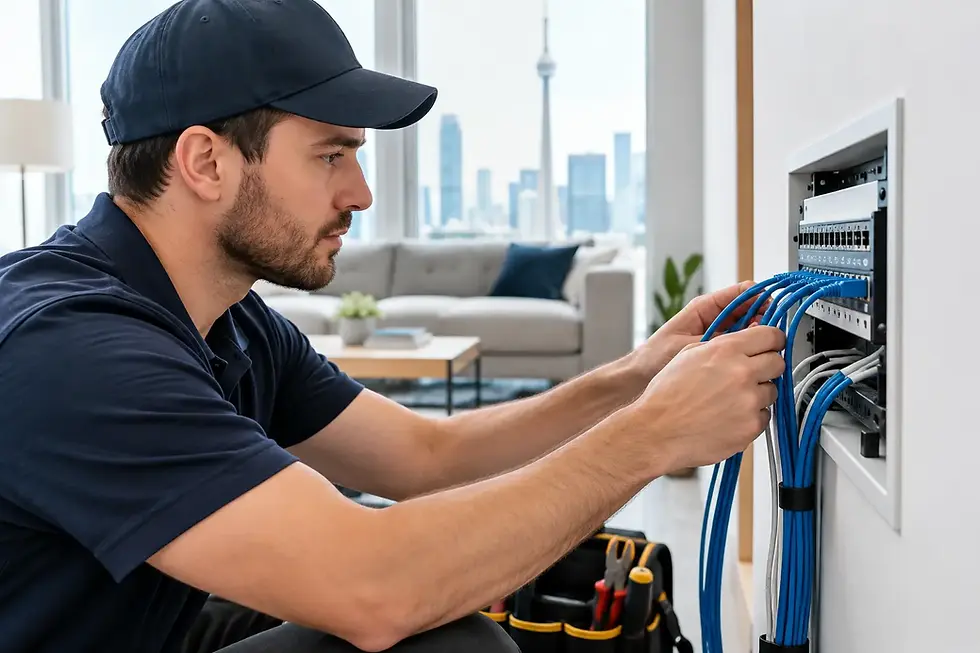
This is where a site assessment makes a difference. Camera height, lighting, ceiling layout, wall construction, cabling routes, and existing network equipment all affect the final result. Clean installation is not cosmetic alone. Well-routed and protected cabling improves reliability and keeps your business looking professional.
Choose Video Quality That Serves a Purpose
HD video is often sufficient for general indoor coverage, while 4K cameras can be valuable where detail matters or where one camera must cover a larger area. Higher resolution provides more pixels for reviewing a scene, but it also requires more storage capacity and more from the network.
More resolution is not automatically better. If a camera is pointed poorly, mounted too high, or exposed to difficult lighting, a 4K image will not solve the problem. The right balance depends on the area being monitored, the level of detail required, and the number of days you want to retain recordings.
Features such as motion-based recording, person or vehicle detection, and mobile alerts can reduce the time spent searching through footage. They should be configured carefully, however. An exterior camera that sends an alert every time traffic passes or tree branches move soon becomes background noise. Useful notifications are specific and limited to events worth your attention.
Wired or Wireless Cameras: Make the Trade-Off Clear
Wired cameras are generally the preferred choice for permanent commercial installations. A wired connection provides dependable video transmission and can often power the camera through the same cable. This reduces reliance on Wi-Fi signal strength and eliminates the need to regularly recharge batteries.
Wireless cameras can be a practical option where running cable is difficult, where the camera location is temporary, or where a smaller site has limited coverage needs. They still depend on a stable network, adequate signal at the camera, and appropriate power. In a busy commercial environment with metal shelving, concrete walls, equipment, or several connected devices, Wi-Fi performance can vary significantly.
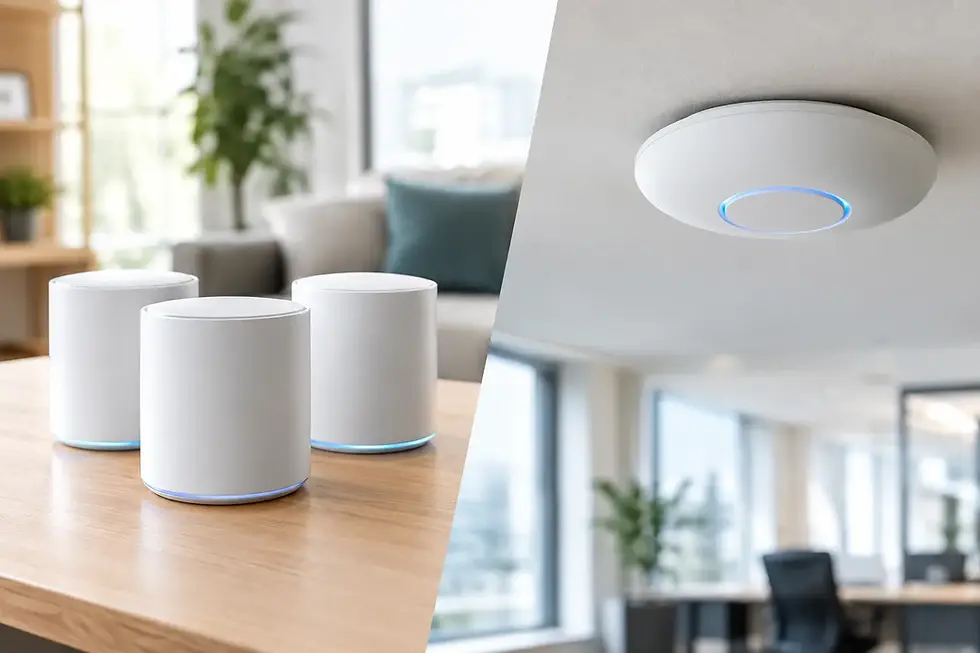
For that reason, a camera project often overlaps with network work. If the business Wi-Fi is unreliable or the router is poorly located, addressing those issues may be part of building a dependable surveillance solution.
Plan Recording and Storage Before an Incident Happens
Recorded footage is only useful if it is available when you need it. Storage planning should account for camera count, video resolution, recording schedule, motion activity, and retention requirements. A system recording continuously at high resolution will use storage much faster than one recording only on relevant motion events.
Many small businesses use a network video recorder located securely on site. This gives the owner control of recordings and can continue recording even if the internet service goes down. Cloud options can add flexibility and off-site access, but they may involve ongoing fees and depend on a reliable internet connection. Some businesses benefit from a combination of local recording and selected cloud backup.
There is no universal retention period. Think about when your business typically discovers an issue. A restaurant may need enough time to investigate a customer concern. A warehouse may need a longer window to reconcile a shipment. The right answer depends on your operation, storage budget, and internal policies.
Secure Remote Viewing and User Access
Remote mobile viewing is one of the most useful features of a modern system, especially for owners who divide their time between jobs, locations, or home. It should also be treated as part of your business security. Weak passwords, shared logins, and outdated network equipment can create unnecessary risk.
Each person who needs access should have the appropriate level of permission. A manager may need live viewing and playback, while a staff member may only need to view a specific camera. When an employee leaves, their access should be removed promptly. Keeping the recorder, cameras, router, and related software up to date helps protect the system over time.
A qualified installer can also separate camera traffic from other business devices where appropriate, helping preserve network performance and improve security. This matters when the same network supports payment terminals, computers, printers, VoIP phones, and guest Wi-Fi.
Respect Privacy While Protecting the Property
Camera placement should protect your business without creating avoidable privacy concerns. Do not install cameras in washrooms, change rooms, or other areas where people reasonably expect privacy. Be thoughtful with audio recording as well, since audio rules can be more complex than video monitoring.
Visible signage can help set expectations for customers, visitors, and employees. Business owners should also establish clear internal policies covering who can access recordings, how long footage is kept, and how incidents are handled. If you have questions about legal obligations for your specific workplace, obtain appropriate legal advice.
Avoid the Most Common Coverage Gaps
The most frequent mistake is treating cameras as a one-size-fits-all purchase. Cameras installed only at the front door can leave receiving areas, side entrances, parking spaces, and equipment storage unprotected. Another common issue is assuming that every camera will identify a person clearly from any distance.
It is also easy to overlook the supporting equipment. An undersized recorder, weak Wi-Fi, poorly placed router, exposed outdoor cable, or lack of backup power can undermine an otherwise good camera system. Planning the complete setup is usually less costly than correcting these issues after an incident.
For small businesses, the best commercial surveillance system is one you can rely on without becoming a security technician yourself. TechWise designs and installs camera systems around the property, the work being done there, and the level of support you need after installation. A short site discussion can turn broad security concerns into practical coverage that helps you keep an eye on the business and get back to running it.