Wired Versus Wireless Security Systems: Which Fits?

A camera at the wrong angle, a weak Wi-Fi signal at the garage, or a recorder tucked somewhere inconvenient can undermine an otherwise good security setup. When comparing wired versus wireless security systems, the better choice is rarely the one with the longest feature list. It is the system that suits your property, the areas you need to monitor, and how dependable the footage needs to be when you need it.
For homeowners and small businesses across Burlington and the Greater Toronto Area, both options can deliver clear HD or 4K video, night vision, weather-resistant outdoor coverage, and mobile viewing. The practical difference is how each camera connects, where it stores footage, and what it takes to keep the system operating reliably over time.
What “wired” and “wireless” really mean
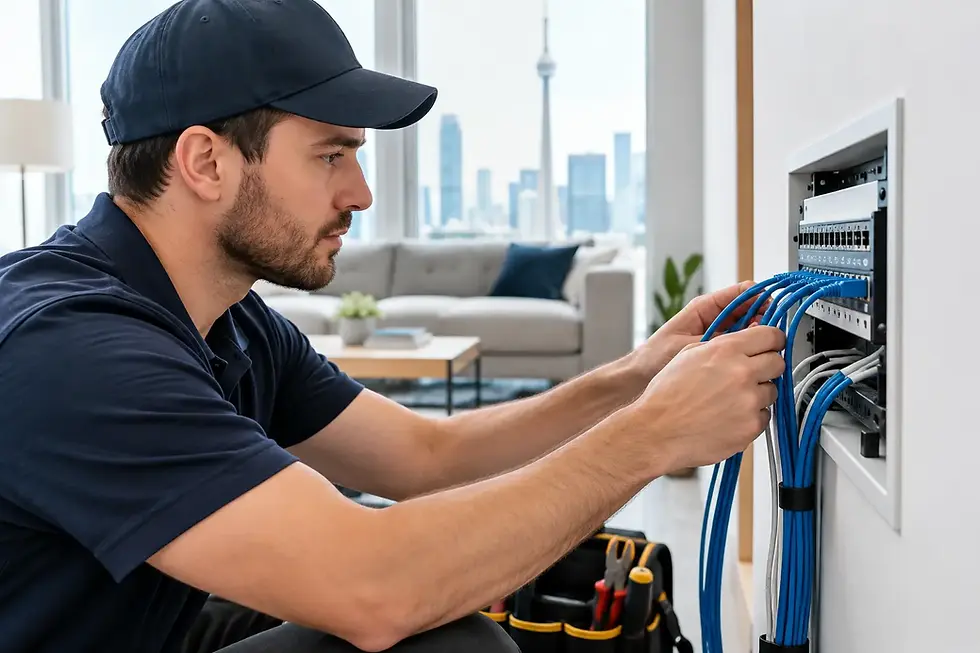
A wired camera system usually connects each camera to a central network video recorder using Ethernet cable. In many professional installations, Power over Ethernet, or PoE, sends both power and video data through one cable. That means no batteries to change and no separate power outlet required at every camera location.
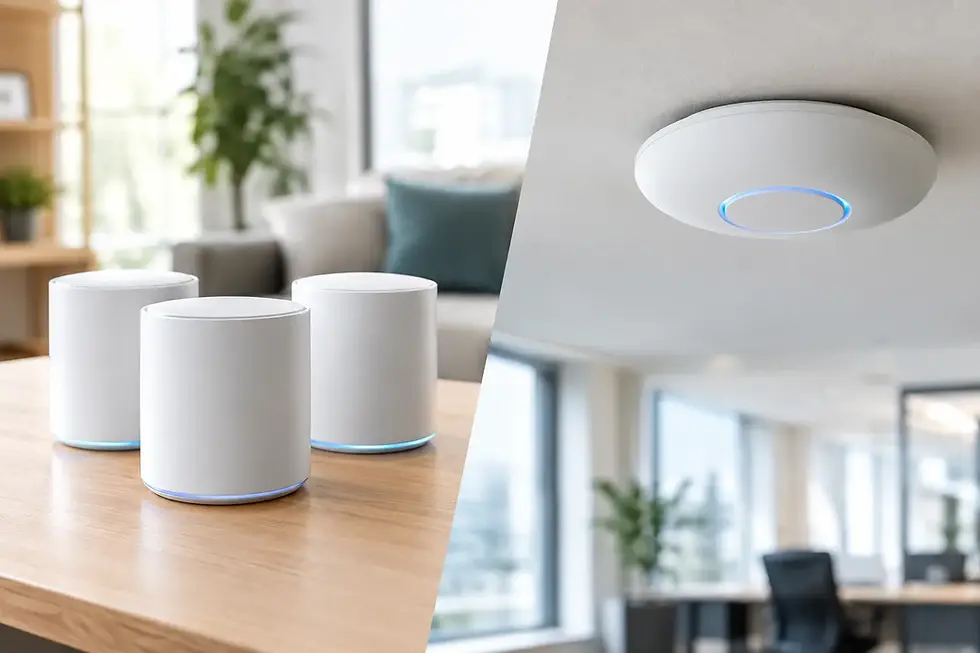
A wireless camera sends video over Wi-Fi rather than through a data cable. It may still need to plug into a nearby outlet, despite being called wireless. Battery-powered models are available, but they involve charging or replacing batteries and may limit recording settings to preserve power.
This distinction matters. A camera can be easy to install yet still depend on the strength of the home or business network. It can also be wired for power but wireless for video. Before choosing equipment, it helps to separate the question of power from the question of network connection.
Wired versus wireless security systems: the key differences
Wired systems are usually the stronger choice where consistent recording, multiple cameras, and dependable coverage matter most. Because each camera has a dedicated cable connection, video is less affected by Wi-Fi congestion, distance from a router, or interference from walls and neighbouring networks. This is especially useful for businesses, larger homes, detached garages, driveways, and perimeter coverage.
A wired system also makes continuous recording more practical. If there is an incident overnight or during a busy workday, a recorder can retain a complete timeline rather than only clips triggered by motion. That context can matter when reviewing a vehicle, customer activity, deliveries, or a person moving around a property.
Wireless systems have a different advantage: they can be installed in locations where running cable would be disruptive, expensive, or impractical. A finished space, rental property, condo, or a single difficult-to-reach camera location may be a good fit. They can also be an efficient option for adding one or two cameras to an existing system.
The trade-off is that Wi-Fi performance becomes part of the security plan. If the signal is weak outside, video may lag, disconnect, reduce quality, or fail to upload when it is needed. A professional assessment can identify whether the answer is a wireless camera, a wired connection, or an improvement to the network itself.
Reliability and recording
For a small business, wired cameras are often the practical long-term choice. They support stable, high-resolution recording across several cameras without placing the same demand on the business Wi-Fi used by staff, point-of-sale terminals, VoIP phones, and customers.
For a home, the decision depends on the coverage plan. A wired setup is well suited to front doors, side entrances, driveways, backyards, and other permanent viewpoints. A wireless unit can work well for a secondary location where cabling is difficult, provided the signal and power source are dependable.
Cloud storage is common with wireless cameras, while wired systems often record locally to a network video recorder. Cloud recording can be convenient, but it may involve monthly fees and relies on an internet connection. Local recording gives you direct control over footage retention and can continue recording during an internet outage, as long as power remains available.
Installation and appearance
Wireless cameras may appear simpler because fewer cables need to be run. That can be true for a single indoor camera. However, outdoor placement still requires careful attention to Wi-Fi range, weather exposure, mounting height, lighting, and the camera’s view of the area.
Wired installations take more planning at the start. Cable routes need to be selected carefully through walls, ceilings, attics, basements, or conduit. Done properly, the result is clean, protected wiring and cameras positioned for useful coverage rather than simply where a nearby outlet happens to be.
Clean installation is not only about appearance. Exposed or poorly routed cable can be damaged, disconnected, or create an avoidable point of failure. The same applies to cameras mounted too low, pointed toward bright lights, or aimed across areas that create privacy concerns.
Video quality and night coverage
Both wired and wireless cameras are available with high-resolution video and night vision. The quality you see in real conditions depends on more than the number printed on the box. Camera placement, lens angle, available light, recording settings, and network capacity all affect whether faces, licence plates, and activity are clear enough to review.
For example, a 4K camera may offer excellent detail, but it also creates larger video files and greater network demand. A wired connection handles that demand more consistently, particularly when several cameras record at once. A wireless camera can still provide strong results, but it needs reliable signal strength and appropriate configuration.
In Ontario, outdoor cameras must also handle rain, snow, temperature changes, and low winter light. Weather-resistant equipment is only part of the answer. Mounting, cable protection, and a view that avoids snow buildup or glare from porch lights all contribute to usable footage.
When a hybrid security system makes sense
The decision does not have to be all wired or all wireless. A hybrid design often gives a property the right balance of reliability and flexibility.
A homeowner might use PoE cameras for the main entrances and driveway, where continuous recording is valuable, then add a wireless camera in a shed or finished basement where running cable is not worthwhile. A small business might wire cameras at entrances, cash areas, and loading doors while using a wireless unit for a temporary storage area or a location being renovated.
A hybrid approach should still be planned as one system. Cameras should have consistent recording settings, sensible retention periods, secure account access, and a clear way to view footage remotely. Mixing unrelated consumer devices can create several apps, different passwords, and uncertainty about where recordings are stored.
Questions to ask before choosing a system
Start with what you need to see, not with a camera model. Walk the property and identify entrances, vehicles, merchandise, delivery areas, side yards, and other points that matter. Consider whether you need live alerts, 24-hour recording, footage stored locally, or the ability to review video from a phone while away.
Then look at the existing network. Is Wi-Fi reliable at the exterior camera locations? Does the business network already support phones, computers, and customer access? Can cables be routed cleanly to the required viewpoints? These answers usually make the right direction clearer.
It is also worth planning for the next stage. A system that begins with two cameras may need four or six later. Choosing a recorder, network switch, and cabling plan with room to expand can prevent unnecessary replacement work.
Get advice based on your property
There is no universal winner between wired and wireless cameras. Wired systems are generally better for permanent, high-priority coverage and continuous recording. Wireless systems can be effective where installation constraints are real and the Wi-Fi connection is proven. The right choice may be a combination of both.
TechWise can assess camera locations, network performance, recording needs, and future expansion before recommending a setup. A short on-site conversation can prevent blind spots, unreliable connections, and equipment that does not fit the way you use your home or business.